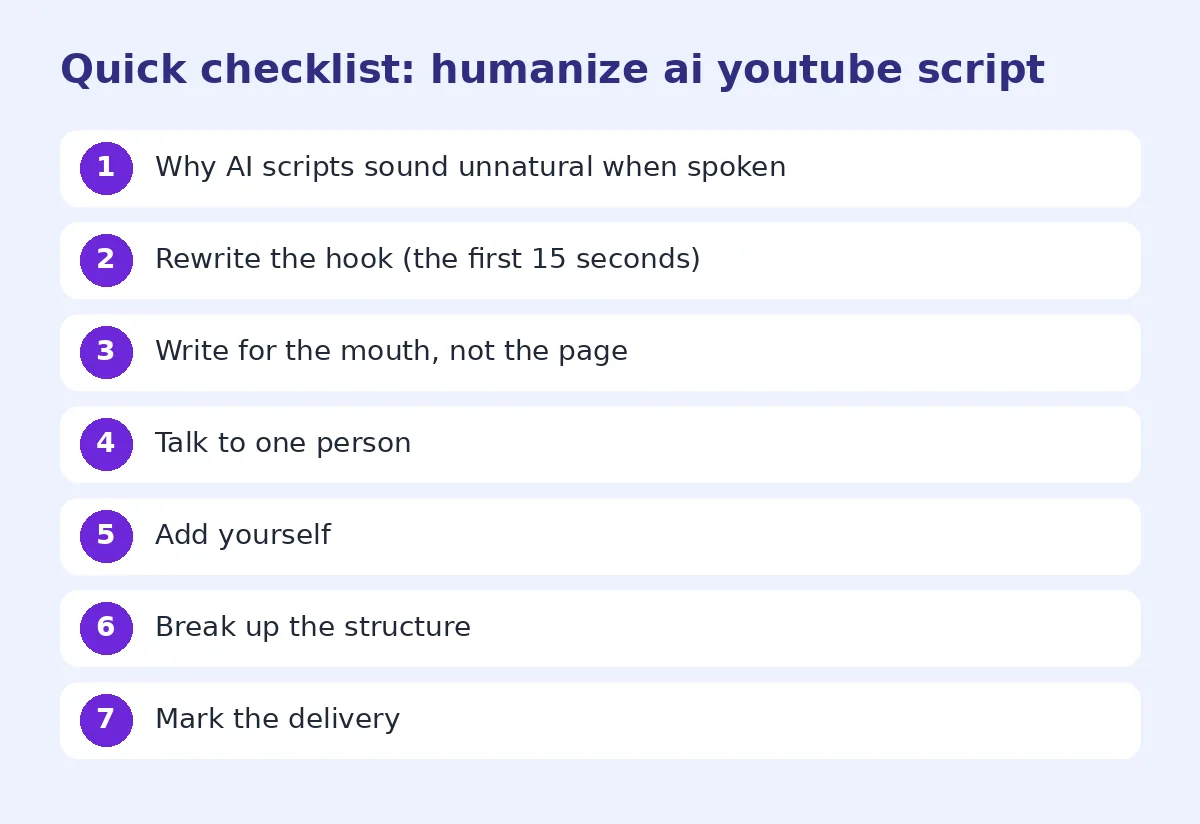
How to Humanize an AI YouTube Script (So It Sounds Like You Talking)
AI scripts sound stiff when read aloud. Learn how to humanize an AI YouTube script: spoken rhythm, a real hook, personal stories and a read-aloud test.
AI tools can draft a YouTube script in seconds. Read one out loud, though, and you'll hear the problem straight away. It sounds like a textbook narrating itself. *"In this video, we will delve into the fascinating world of… Furthermore, it is important to note that…"* Viewers notice within the first 15 seconds, and plenty of them click away.
Scripts are different from blog posts. They're written for the ear, not the eye. This guide shows you how to turn an AI draft into a script that sounds like a real person talking to a camera, whether you're filming yourself or recording a voiceover.
Why AI scripts sound unnatural when spoken
AI models learn mostly from written text, so their scripts carry written habits:
- Long sentences with several clauses that run you out of breath
- Formal transitions: furthermore, moreover, additionally, in conclusion
- No contractions: "it is", "you will", "do not"
- Listy structure: "Firstly… Secondly… Lastly…"
- Generic intros: "Welcome back to the channel! In today's video, we're going to explore…"
- No personality: no opinions, no stories, no reactions
Each of these is fine on paper. Spoken aloud, together, they sound robotic.
Step 1: Rewrite the hook (the first 15 seconds)
Your hook decides whether people stay. AI hooks are usually throat-clearing. Cut the welcome and the agenda, and start with the reason to watch.
AI hook: "Hello everyone and welcome back! In today's video, we are going to discuss five tips for growing your houseplants."
Human hooks:
- "I killed eleven houseplants before I figured out it wasn't the watering."
- "This one change doubled how fast my monstera grew, and it costs nothing."
- "If your plant's leaves are turning yellow, you're probably making mistake number three."
Open with a surprise, a promise, or a problem the viewer already has.
Step 2: Write for the mouth, not the page
Go through the script line by line and make it speakable:
- Shorten sentences. If you can't say it in one breath, split it.
- Use contractions: "it's", "you'll", "don't", "that's".
- Swap formal words for spoken ones: "utilise" becomes "use", "however" becomes "but", "approximately" becomes "about", and "commence" becomes "start".
- Cut "furthermore", "moreover" and "additionally". In speech, "and", "also", "plus" or a pause does the same job.
- Allow sentence fragments. "Big mistake." "Not even close." That's how people talk.
Step 3: Talk to one person
AI scripts address an audience ("viewers", "many people", "one should"). Good YouTubers talk to *you*.
| AI line | Human version |
|---|---|
| "Many viewers struggle with lighting their videos." | "If your videos look a bit grey and flat, it's probably your lighting." |
| "One should consider the budget before purchasing." | "Before you buy anything, figure out what you actually want to spend." |
Step 4: Add yourself
This is where a script stops sounding generic. AI can't know your experiences, so add them:
- Personal stories: "The first time I tried this, I…"
- Opinions: "Honestly? I think the expensive version isn't worth it."
- Reactions: "This part surprised me."
- Mistakes: "I got this wrong for years."
- Callbacks to earlier videos or comments from your viewers
Even two or three of these per script make a big difference.
Step 5: Break up the structure
"Firstly, secondly, thirdly" sounds like a school presentation. Use natural signposts instead:
- "Okay, here's the big one."
- "Now this is where most people go wrong."
- "Quick side note…"
- "Right, let's actually try it."
Add pattern breaks too. Ask a question, show something on screen, change pace. A spoken script needs variety every 30–60 seconds to hold attention.
Step 6: Mark the delivery
Scripts aren't only words. Add simple cues for yourself or your voiceover artist:
- [pause] after a key point
- [B-roll: close-up of leaves] for edit notes
- Bold words you want to stress
- [smile] or [deadpan] for tone
These cues stop you reading in a flat monotone, which is the other reason AI scripts sound robotic.
Step 7: Use a humanizer for the rhythm pass
Once you've added your stories and rewritten the hook, run the script through the free AI humanizer to smooth out the AI patterns that are left. Pick a casual tone for most YouTube content. Use Lite mode for a script you've already edited, or Ultra for a rough AI draft you want rewritten more thoroughly. The free plan covers up to 5,000 words a session with no signup, which is enough for a 30-minute video script. See what the free plan includes.
After the rewrite:
- Check that facts, product names and numbers are unchanged.
- Put back any of your own phrases that the tool smoothed away.
- Move on to the read-aloud test.
If the draft came from ChatGPT, the ChatGPT humanizer explains which GPT habits get removed.
Step 8: The read-aloud test (don't skip this)
Read the whole script out loud, ideally recording yourself on your phone. Wherever you:
- stumble, rewrite that sentence
- run out of breath, split it
- sound like you're reading, say the point in your own words and write down what you actually said
- get bored, cut that section
This one step catches more problems than any tool. Many creators end up scripting only the hook, the key points and the outro, then talking naturally in between.
Does YouTube penalise AI-written scripts?
YouTube's main concern with AI is disclosure for realistic altered or synthetic media, such as AI-generated faces or voices that could mislead viewers. It doesn't ban AI-assisted scripts. What it does reward is watch time and audience satisfaction, and robotic scripts lose viewers early. That drop-off hurts more than any policy would. Check YouTube's current disclosure rules if you use AI voices or visuals.
Curious how machine-like your script still reads? Paste it into the free AI detector. Just remember that detector scores are estimates, as we explain in how accurate are AI detectors.
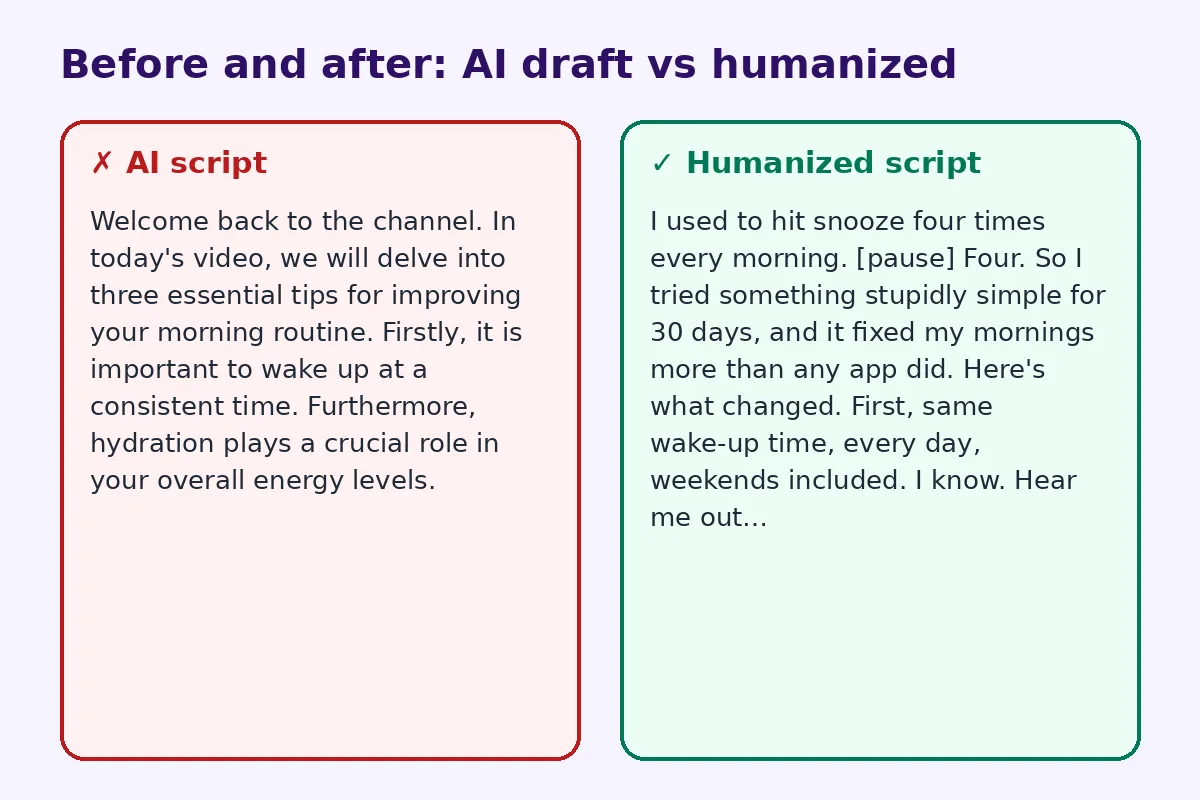
Before and after
AI script:
Welcome back to the channel. In today's video, we will delve into three essential tips for improving your morning routine. Firstly, it is important to wake up at a consistent time. Furthermore, hydration plays a crucial role in your overall energy levels.
Humanized script:
I used to hit snooze four times every morning. [pause] Four. So I tried something stupidly simple for 30 days, and it fixed my mornings more than any app did. Here's what changed. First, same wake-up time, every day, weekends included. I know. Hear me out…
The tips are identical. The second one sounds like someone you'd actually watch.
When your video is live, you can promote it off-screen too. A YouTube QR code on a flyer, a business card or a product insert sends viewers straight to the video.
FAQ
How do I make an AI script sound more natural?
Shorten sentences, use contractions, swap formal words for spoken ones, talk directly to the viewer, add personal stories and opinions, and read it aloud to find the stiff spots.
Can viewers tell if a YouTube script is AI-written?
Often, yes, especially in the intro. Generic welcomes, formal transitions and list-like structure give it away. Specific stories and a conversational rhythm make it sound human.
Does an AI humanizer work for voiceover scripts?
Yes. A humanizer varies sentence rhythm and removes stiff phrasing, which helps scripts sound natural when spoken. Always finish with a read-aloud test, because spoken flow is something you have to hear.
Is it allowed to use AI to write YouTube scripts?
AI-assisted scripts are widely used. YouTube's disclosure rules focus on realistic synthetic or altered media, so check the current policy if you also use AI voices or visuals.
How long does it take to humanize a 10-minute script?
For a script of about 1,500 words, expect 20–40 minutes. That covers rewriting the hook, adding stories, a humanizer pass and the read-aloud test.
Should I humanize scripts for Shorts and TikTok too?
Yes. Short-form video is even less forgiving. Cut the intro entirely, lead with the payoff, and keep every line short and spoken.
Try FreeHumanizerAI for free
Humanize AI text instantly. No signup, up to 5,000 words per session, and your text is not stored.
Open AI HumanizerRelated guides
- GuideHow to Make ChatGPT Sound Human: 9 Edits That Actually WorkChatGPT writes clean, flat prose. These nine edits, from prompt to final read-through, make it sound like a person wrote it.Read
- GuideHow to Make an AI-Written Speech Sound Natural When You Say ItWrote a speech with ChatGPT? Rewrite it so it sounds natural out loud, from wedding toasts to work talks, with before-and-after examples.Read
- GuideHow Accurate Are AI Detectors? What the Numbers Really MeanA detector score is a statistical guess about word patterns. Here is how the main tools work, where they fail, and what a 60% actually tells you.Read