How to Make AI Event Invitations Sound Human
Wrote an invitation or event flyer with ChatGPT? Make the wording warm and natural for parties, launches and community events, with examples.
ChatGPT can write an invitation in five seconds. The problem is that it usually sounds like every other AI invitation: "You are cordially invited to join us for an unforgettable evening of joy, connection and celebration." Your guests have seen that sentence before. It doesn't feel like it came from you, and it doesn't make anyone more likely to show up.
This guide shows how to turn an AI draft into an invitation or event flyer that sounds like a real host wrote it. It works for birthdays, baby showers, office parties, product launches, church events, fundraisers and community meetups.
Why AI invitations feel flat
AI writing tools aim for the safest, most general wording. For invitations that means:
- Stacked adjectives. "Magical, unforgettable, joyous" in one line.
- Formal phrasing for casual events. "Cordially invited" to a backyard barbecue.
- Missing details. Vague lines like "a wonderful time awaits" instead of what's actually happening.
- Same structure every time. Greeting, hype sentence, details, "We can't wait to see you!"
None of that is wrong, but it's forgettable. People decide whether to come based on two things: who's inviting them and what they'll actually do there. Good wording makes both obvious.
Step 1: Start with the facts, not the hype
Before you edit the tone, make sure the basics are clear and easy to scan:
- What the event is
- Date and start time (and end time if it matters)
- Place, with a clear address or venue name
- What to bring or wear, if anything
- How and when to RSVP
Put these in short lines or a small list. On a flyer, they should be readable from a few steps away. Long sentences hide the details.
Step 2: Write like you'd say it
Read the AI draft out loud. If you wouldn't say a sentence to a friend in person, change it.
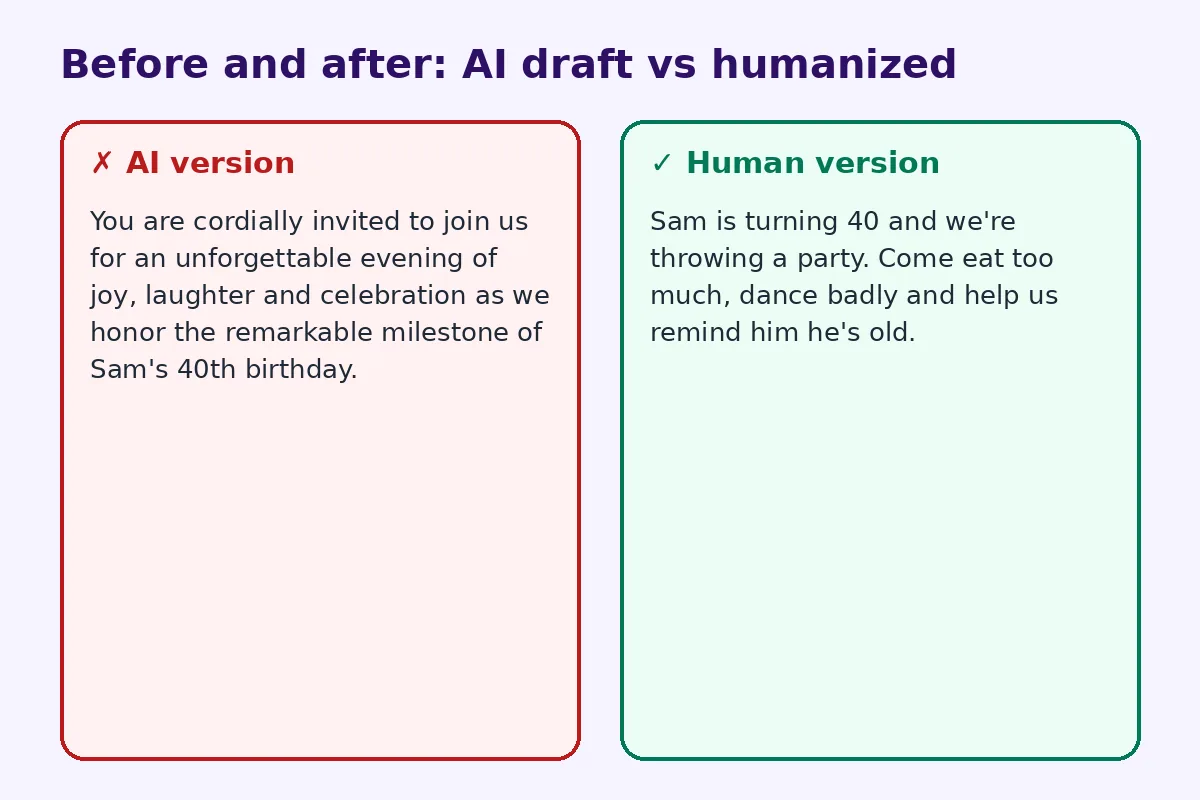
AI version:
You are cordially invited to join us for an unforgettable evening of joy, laughter and celebration as we honor the remarkable milestone of Sam's 40th birthday.
Human version:
Sam is turning 40 and we're throwing a party. Come eat too much, dance badly and help us remind him he's old.
The second one is shorter, specific and sounds like a real person. It also tells guests what kind of party it is, which helps them decide what to wear and how late to stay.
Step 3: Match the tone to the event
Not every event should be jokey. Match the voice to the occasion:
- Formal events (weddings, galas, memorials): keep it warm and simple, avoid flowery filler.
- Casual parties: short sentences, a small joke, plain words.
- Work and launch events: say why the guest should come. "See the new product first and meet the team that built it" beats "join us for an exciting evening of innovation."
- Community and church events: focus on who it's for and what people will get from it. Mention if kids are welcome or food is provided.
Step 4: Add one detail only you would know
This is the fastest way to make AI text feel personal. Add one real detail: the dish your aunt always brings, the band that's playing, the reason for the date, a callback to last year's event. One sentence is enough.
Step 5: Cut the clichés
Search your draft for these and replace or delete them:
- "cordially invited" (unless it's truly formal)
- "unforgettable evening"
- "join us for a celebration of..."
- "memories to last a lifetime"
- "we can't wait to celebrate with you" at the end of every invite
If you have a lot of text, like a long fundraiser flyer or an event page, a free AI humanizer can loosen up the stiff phrasing in one pass. Then read it once more and add your personal detail.
Step 6: Make RSVPs and directions effortless
People mean to RSVP and then forget. Make it a single action. On a printed invite or flyer, the easiest way is a QR code next to the RSVP line. Guests scan it and land on your RSVP form, the event page or a map pin. You can create a free calendar event QR code so guests add the date to their phone calendar in one scan, or link the code to a Google Form for RSVPs.
Keep the wording around the code simple: "Scan to RSVP by May 10" or "Scan for directions."
Example: community event flyer
AI draft:
Join us for an extraordinary community gathering filled with fun, food and festivities for the whole family. Don't miss this unforgettable opportunity to connect with your neighbors and create lasting memories!
Humanized rewrite:
Block party on Elm Street, Saturday from 3 to 8. Free hot dogs, a bouncy castle for the kids and a live band from 6. Bring a chair and say hi to the neighbors you only wave at.
The rewrite gives real reasons to come, the time and what to bring, all in fewer words.
Wording ideas you can steal
- Birthday: "Maya's turning 10. Expect cake, chaos and a piñata that won't survive."
- Baby shower: "Help us get ready for Baby Chen. Brunch, silly games and zero pressure to bring a gift."
- Office party: "End-of-year drinks on us. Thursday from 5, the rooftop, no speeches longer than two minutes."
- Product launch: "Be the first to try it. Short demo at 6, then food and questions with the team."
- Fundraiser: "Every ticket buys a week of school lunches for one kid. Plus, there's live music."
Each one is specific, short and has a reason to come.
Is it okay to use AI for invitations?
Yes. Using AI to get a first draft, find wording ideas or fix grammar is normal. The goal isn't to hide that you used a tool. It's to make sure the final invitation sounds like you and gives guests what they need. A good rule: let AI handle the structure, then you handle the personality.
For other writing, the same approach works. See how to make ChatGPT sound human and our guide to editing AI content so it sounds natural.
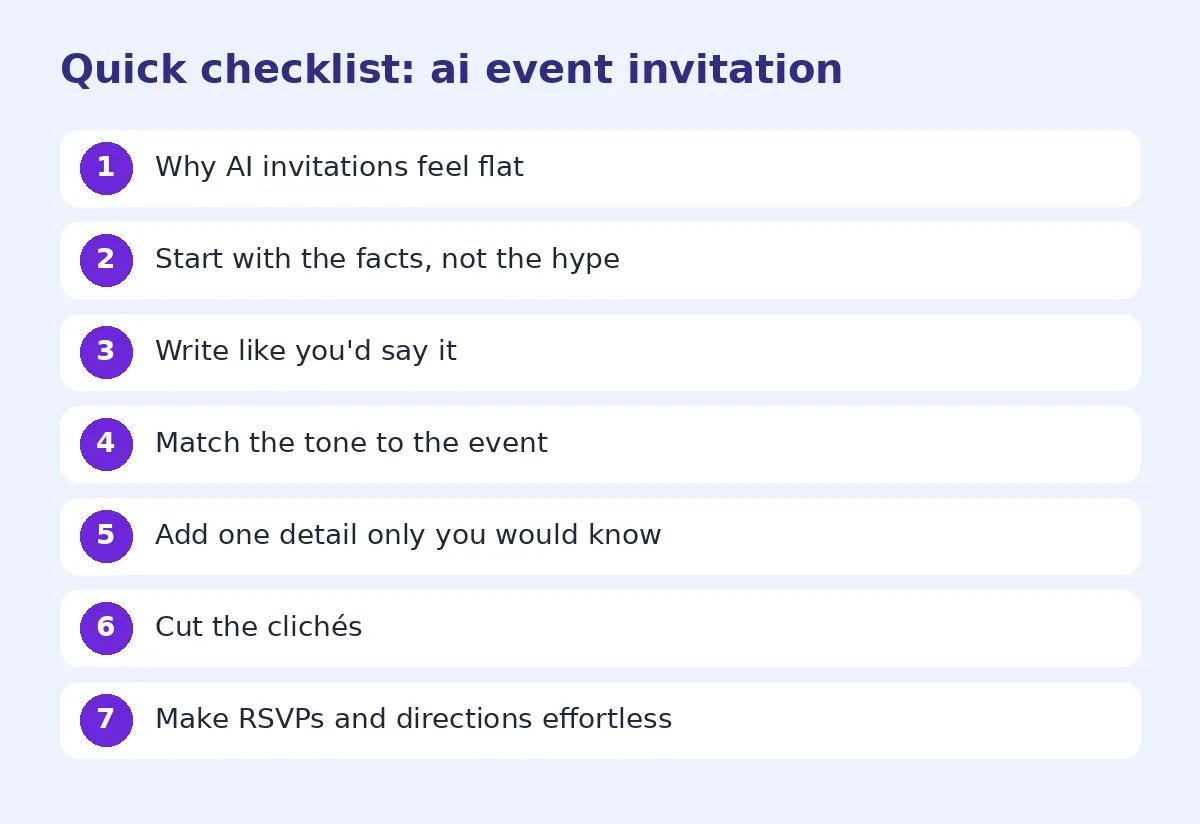
Quick checklist before you send or print
- All facts correct: date, time, place, RSVP deadline.
- No sentence you wouldn't say out loud.
- One personal detail added.
- Clichés removed.
- Tone matches the event.
- RSVP is one tap or one scan away.
- Read it on a phone screen if you're sending it digitally.
FAQ
Can ChatGPT write party invitations? Yes, and it's a good starting point. Edit the draft so it uses your words, adds a personal detail and keeps the event facts clear.
How do I make an AI invitation sound less formal? Use shorter sentences, swap formal phrases like "cordially invited" for plain ones, and add a light joke or a personal note where it fits.
What should every event invitation include? The event name, date, time, location, any dress code or items to bring, and how to RSVP by a clear deadline.
How can guests RSVP from a printed invitation? Add a QR code that opens your RSVP form or event page. Guests scan it with their phone camera and respond in seconds.
Will people know my invitation was written with AI? They might if it's full of generic phrases. Rewriting it in your own voice with one real detail makes it feel personal either way.
Try the free AI humanizer on your next invite draft.
Try FreeHumanizerAI for free
Humanize AI text instantly. No signup, up to 5,000 words per session, and your text is not stored.
Open AI HumanizerRelated guides
- GuideHow to Edit AI Content to Sound Natural: A Line-by-Line MethodA practical editing checklist for AI drafts, with worked examples. Fifteen minutes per article, no tricks, and the result reads like you wrote it.Read
- GuideHow to Make ChatGPT Sound Human: 9 Edits That Actually WorkChatGPT writes clean, flat prose. These nine edits, from prompt to final read-through, make it sound like a person wrote it.Read
- GuideHow to Make an AI-Written Speech Sound Natural When You Say ItWrote a speech with ChatGPT? Rewrite it so it sounds natural out loud, from wedding toasts to work talks, with before-and-after examples.Read