Words That Make Your Text Sound Like AI (and What to Write Instead)
Delve, tapestry, seamless, elevate: the words and phrases that make text sound AI-written, why they stand out, and what to write instead.
You read the first line of an email and you just know: "I hope this message finds you well. In today's fast-paced world, it is crucial to delve into..." Nobody talks like that. Yet AI chatbots produce sentences like this all day, and readers have learned to spot them.
The good news is that a large part of the "AI feel" comes from a fairly small set of words and patterns. Swap them out and your text already sounds more like a person. This guide lists the most common ones, explains why they stand out, and gives plain replacements you can use today.
Why some words scream "AI"
Language models pick words that are statistically safe in a formal, helpful tone. Over millions of answers, a few words get used far more often than people ever use them. Readers notice the pattern even if they cannot explain it.
It is not that these words are wrong. "Delve" is a perfectly good word. The problem is frequency and context. When a casual Slack message to a colleague contains "delve", "pivotal" and "seamless", it reads like a machine, because a person would not reach for all three.
AI detectors look for similar signals: predictable word choices, uniform sentence length and a lack of specific detail. Our guide on how accurate AI detectors are explains what they measure and why they still get it wrong.
The most common AI words
These single words show up far more in AI text than in normal human writing:
| AI word | Plain alternative |
|---|---|
| delve | look at, dig into |
| tapestry | mix, range |
| testament | proof, sign |
| seamless | smooth, easy |
| elevate | improve, lift |
| leverage | use |
| robust | strong, solid |
| pivotal | key, important |
| realm | area, world |
| landscape | field, market |
| foster | build, encourage |
| embark | start |
| meticulous | careful |
| navigate | handle, deal with |
| bustling | busy |
| vibrant | lively, bright |
| crucial | important |
| underscore | show, highlight |
| intricate | detailed, complex |
| unlock | get, open up |
Read your draft and search for these. If three or more appear in a short piece, rewrite those sentences.
AI phrases that give it away
Phrases are even more obvious than single words:
- "In today's fast-paced world..."
- "It's important to note that..."
- "Whether you're a beginner or an expert..."
- "In conclusion..." at the end of a 200-word email
- "I hope this message finds you well."
- "This is not just X, it's Y."
- "Let's dive in."
- "A game-changer."
- "Navigating the complexities of..."
- "Plays a crucial role in..."
- "In the ever-evolving landscape of..."
- "Unlock the full potential of..."
- "Stands as a testament to..."
- "Embark on a journey."
- "At the end of the day..."
- "Ultimately, ..." at the start of the last paragraph
- "It's worth noting..."
- "Rest assured..."
- "I'd be happy to help."
- "Feel free to reach out."
Most of these can simply be deleted. The sentence underneath is usually fine on its own.
Patterns that matter more than words
Swapping words helps, but structure gives AI away too.
Lists of three. AI loves "fast, reliable and secure". Humans use two items, or four, or one with an example.
Every paragraph the same length. Real writing has a one-line paragraph here and a longer one there.
Balanced, hedged opinions. "There are pros and cons to both" with no actual view. People take sides.
No specifics. AI says "many customers". You say "three of our clients last month".
The summary ending. A final paragraph that repeats everything already said.
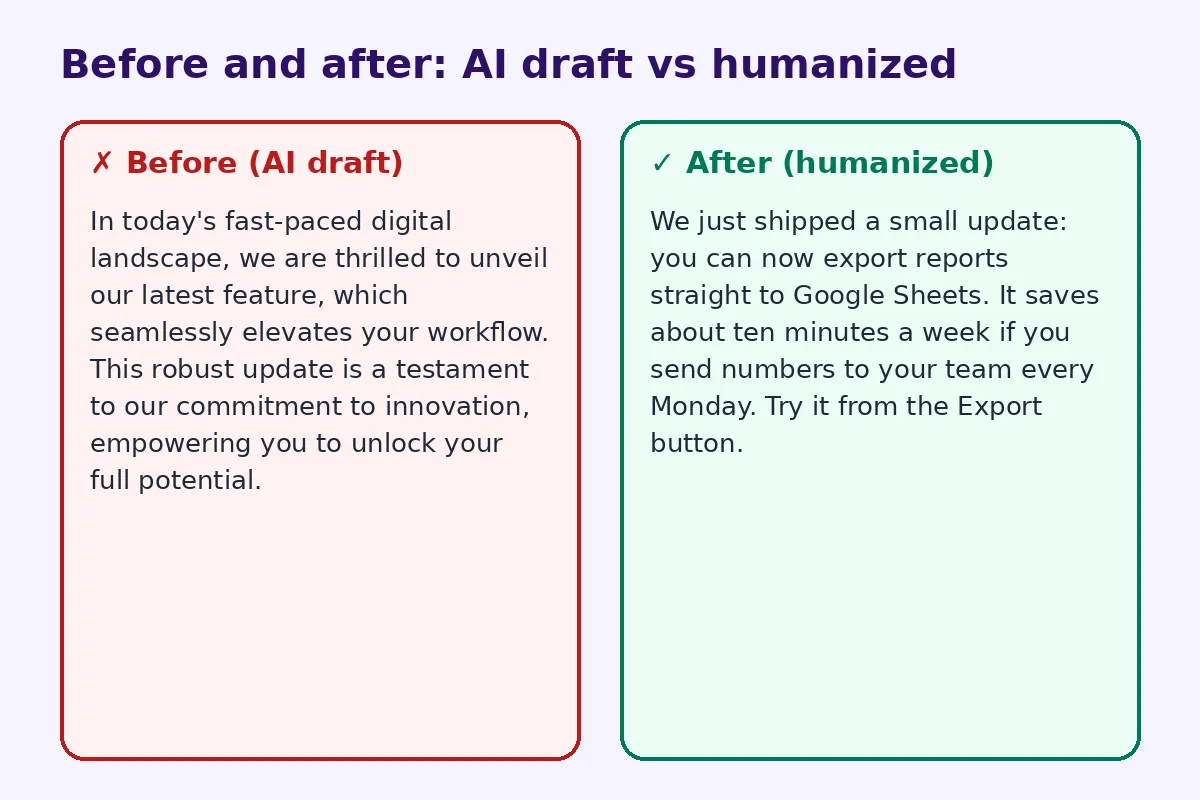
Before and after example
Here is a short product update written by AI, then rewritten.
Before (AI draft):
In today's fast-paced digital landscape, we are thrilled to unveil our latest feature, which seamlessly elevates your workflow. This robust update is a testament to our commitment to innovation, empowering you to unlock your full potential.
After (humanized):
We just shipped a small update: you can now export reports straight to Google Sheets. It saves about ten minutes a week if you send numbers to your team every Monday. Try it from the Export button.
The second version has no buzzwords, a concrete benefit and a clear next step. It is also shorter.
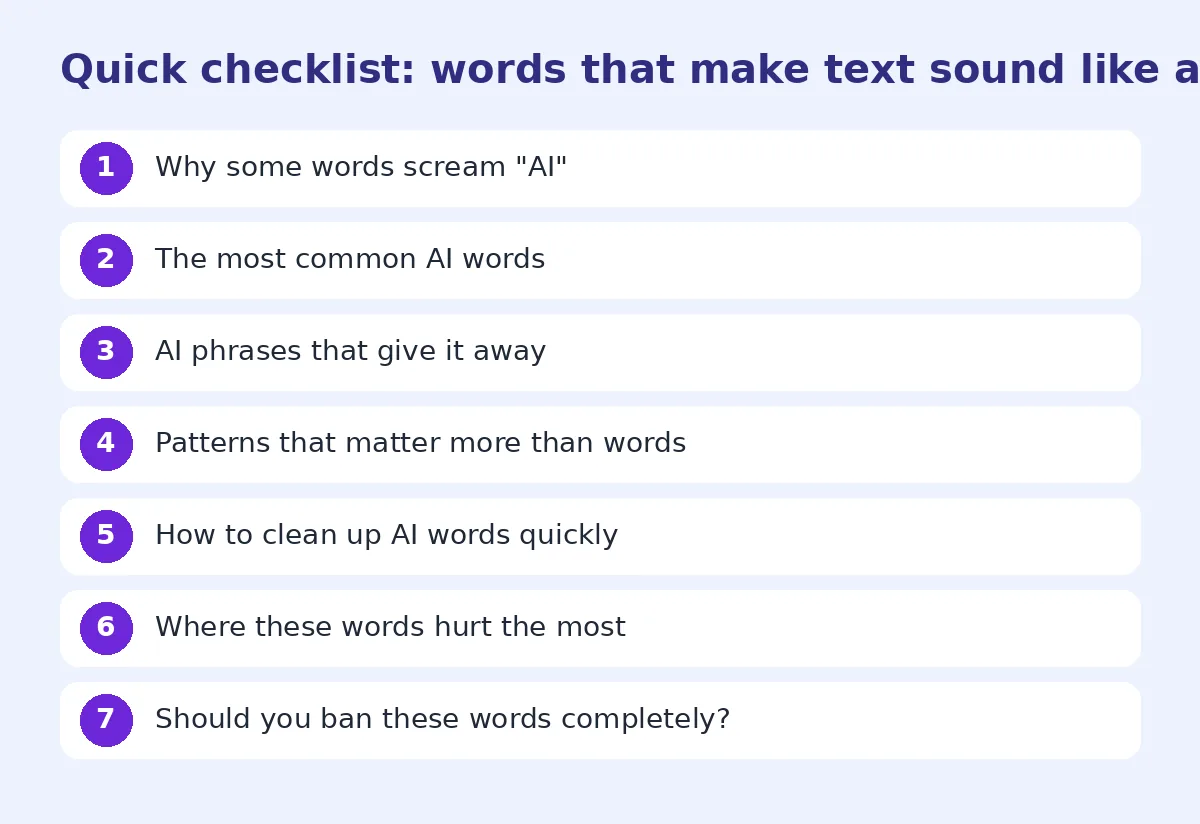
How to clean up AI words quickly
- Search and replace. Search your draft for the words in the table above. Replace or delete each one.
- Read it out loud. If you would never say a sentence to a friend, rewrite it.
- Add one real detail per paragraph. A number, a name of a place, a real example.
- Cut the first and last sentence. AI openers and closers are usually filler.
- Vary sentence length. Mix short punchy lines with longer ones.
If you have a long document, a tool can speed this up. Our free AI humanizer rewrites stiff phrasing into natural language, and you can then add your own details. For a deeper walkthrough, read how to make ChatGPT sound human.
Where these words hurt the most
Some types of writing suffer more than others when AI words slip in:
- Cover letters and applications. Recruiters read hundreds of them, and a "testament to my meticulous approach" sounds copied. See how to make an AI cover letter sound human.
- Student essays. Teachers know their students' voices. A sudden jump to "multifaceted tapestry" stands out.
- Social posts. Feeds reward a personal voice. Buzzwords get scrolled past.
- Sales emails. Prospects delete anything that sounds mass-produced in the first line.
In all of these, one or two real details about you do more than any polished phrase.
Should you ban these words completely?
No. Banning words makes writing weird in a different way. "Crucial" is fine in a medical guide. "Navigate" is fine when you mean a menu. The aim is to stop using them as filler. Ask: does this word carry meaning here, or does it just sound impressive?
The same goes for prompts. Telling ChatGPT "don't use the word delve" often makes it pick another fancy synonym. It works better to ask for plain language, short sentences and concrete examples, then edit the result yourself. Our guide on how to edit AI content to sound natural covers a full editing routine.
Check your result
After editing, paste the text into an AI detector to see how it reads. Treat the score as a hint, not a verdict. The real test is whether a reader would believe you wrote it, and whether it says something specific.
FAQ
Why does ChatGPT use the word "delve" so much?
Models learn word choices from their training and tuning. Some formal words became favored in helpful-assistant answers, so they appear far more often than in normal writing.
Will removing AI words make my text undetectable?
It helps, but detectors also look at sentence patterns and predictability. Adding real details and varying sentence length matters as much as word choice.
Are these words bad to use in my own writing?
No. They are normal words. The problem is using many of them as filler. Use them when they are the most precise choice.
What is the fastest way to remove AI phrases?
Delete stock openers and closers, search for the common words in the table, and read the text aloud. A humanizer tool can speed up longer texts.
Do teachers and editors look for these words?
Many do, at least informally. Clusters of words like "delve", "tapestry" and "testament" are a common reason people suspect AI.
Try FreeHumanizerAI for free
Humanize AI text instantly. No signup, up to 5,000 words per session, and your text is not stored.
Open AI HumanizerRelated guides
- GuideHow to Edit AI Content to Sound Natural: A Line-by-Line MethodA practical editing checklist for AI drafts, with worked examples. Fifteen minutes per article, no tricks, and the result reads like you wrote it.Read
- GuideHow Accurate Are AI Detectors? What the Numbers Really MeanA detector score is a statistical guess about word patterns. Here is how the main tools work, where they fail, and what a 60% actually tells you.Read
- GuideHow to Make ChatGPT Sound Human: 9 Edits That Actually WorkChatGPT writes clean, flat prose. These nine edits, from prompt to final read-through, make it sound like a person wrote it.Read