
How to Humanize AI Instagram Captions So They Sound Like You
AI Instagram captions sound flat and get skipped. Learn how to humanize them with a real voice, a hook and natural wording. Before and after examples.
AI caption generators are everywhere, and you can tell. Scroll for a minute and you will see it: "Embracing the beauty of every moment ✨", "Elevate your everyday with...", five hashtags that all mean the same thing. These captions are not wrong. They are just forgettable, and on Instagram forgettable means scrolled past.
If you use AI to help with captions, that is fine. Most creators and small businesses do. The trick is to take the draft and add the parts AI cannot know: what actually happened, how you talk and why your followers should care. Here is how.
How to spot an AI caption
AI captions often share the same traits:
- Vague, inspirational openers. "Life is all about the little moments."
- Buzzwords. "Elevate", "unleash", "journey", "vibes", "curated".
- Emoji at the end of every line. Usually ✨, 🌿 or 💫.
- No specifics. No place, no name, no detail from the photo.
- Perfect structure. Hook, three benefits, call to action, every time.
Followers may not consciously notice, but they feel it. The caption sounds like an ad, not a person.
Why captions still matter
Instagram is visual, but captions do real work:
- They give context to the photo.
- They help the post appear in search, since Instagram reads caption text.
- They prompt comments and saves.
- They make your account feel like a person or a real small business.
A good caption doesn't need to be long. It needs to sound like it came from someone who was there.
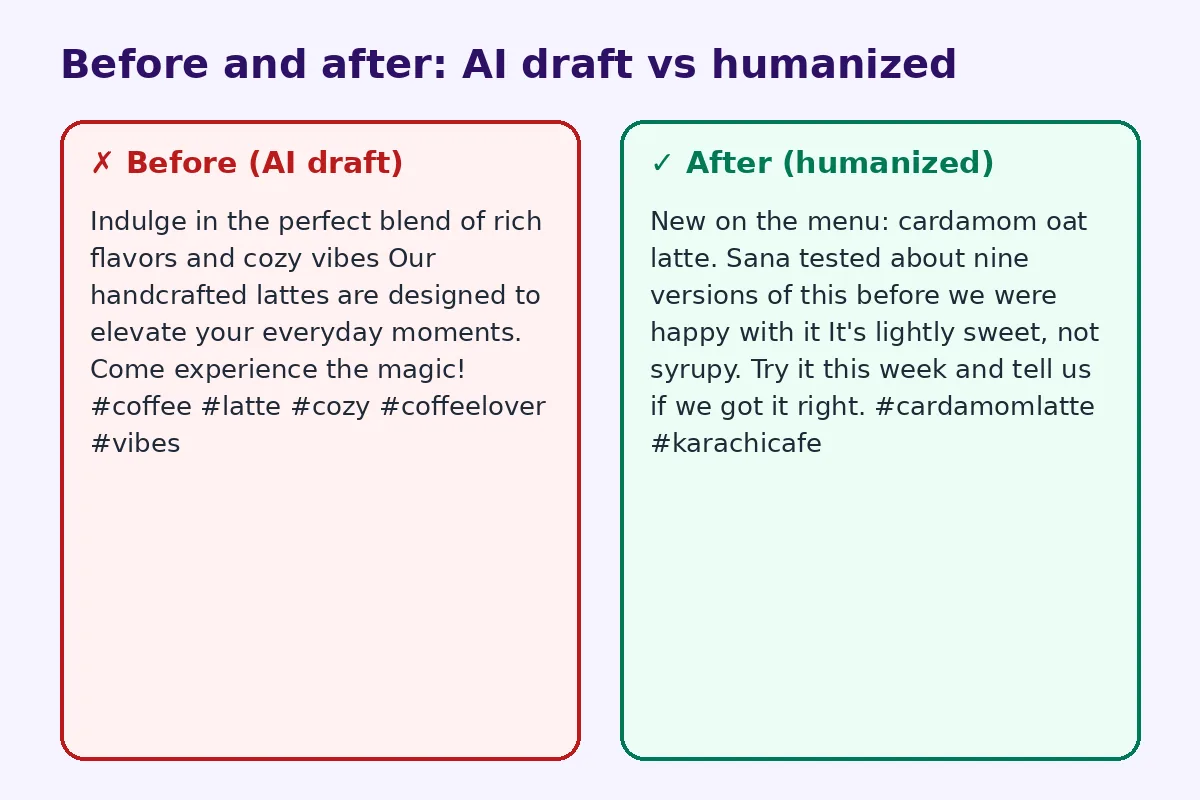
Before and after: a café post
Before (AI draft):
Indulge in the perfect blend of rich flavors and cozy vibes ☕✨ Our handcrafted lattes are designed to elevate your everyday moments. Come experience the magic! #coffee #latte #cozy #coffeelover #vibes
After (humanized):
New on the menu: cardamom oat latte. Sana tested about nine versions of this before we were happy with it 😅 It's lightly sweet, not syrupy. Try it this week and tell us if we got it right. #cardamomlatte #karachicafe
The second caption has a real person, a real detail, a bit of humor and a specific ask. That is what gets comments.
Step 1: Tell the AI what actually happened
Give the tool the real facts before asking for a caption:
- What is in the photo, exactly?
- Where and when was it taken?
- What is one small story or detail behind it?
- What do you want people to do: comment, save, visit, buy?
- How do you usually talk: casual, funny, calm, professional?
A prompt like "Write a short Instagram caption in a casual, slightly funny tone about our new cardamom latte. Our barista tested nine versions. Ask followers to try it this week." gives you a far better draft.
Step 2: Rewrite the first line
The first line shows before "more", so it decides whether people read the rest. AI openers are usually generic. Replace them with:
- A specific detail: "We burned the first batch."
- A question: "Would you put cardamom in coffee?"
- A short statement: "Finally back in stock."
- A number: "Nine tries later..."
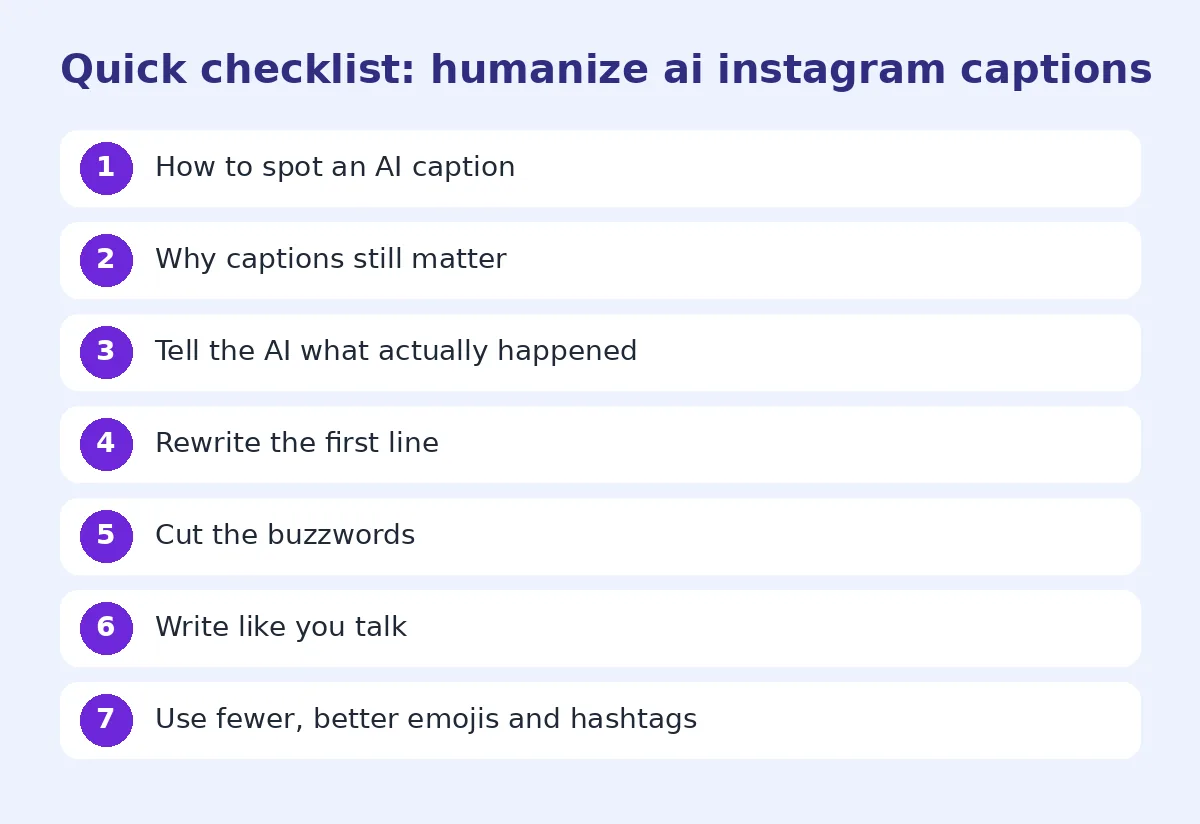
Step 3: Cut the buzzwords
Delete words like "elevate", "indulge", "curated", "journey" and "magic" unless they really fit how you speak. Our list of words that make text sound like AI is a useful checklist.
Step 4: Write like you talk
Read the caption out loud. Would you say it to a friend? Use contractions, short sentences and the slang your audience uses. If you normally write in lowercase or mix languages, keep doing that. Your voice is the one thing AI can't copy without help.
Step 5: Use fewer, better emojis and hashtags
AI tends to sprinkle emojis everywhere. Use one or two where they add meaning. For hashtags, pick a few specific ones (location, niche, product) rather than broad ones like #love or #vibes. Specific tags bring the right viewers.
Step 6: End with a real call to action
"Come experience the magic!" is not a call to action. Try:
- "Tell us your go-to order."
- "Save this for your next trip."
- "Link in bio for the recipe."
- "Tag someone who needs this."
Caption ideas by type of post
Product post: one specific feature, one honest note, where to buy.
Behind the scenes: a small story, a mistake, a name.
Event post: date, place, what to expect, how to join. Repeat the key details in the first comment so they are easy to find.
Personal post: what you felt, not just what you saw.
Tip post: the tip in the first line, details below, "save this" at the end.
Using a humanizer for captions
If you write a lot of captions for clients or several accounts, an AI humanizer can quickly vary wording and remove robotic phrasing. Treat it as a second draft. Then add the specific details and voice yourself. Short text like captions needs that personal touch more than long articles do.
Keep a voice guide
If several people post for the same account, write a one-page voice guide:
- Three words that describe your tone
- Words you use and words you never use
- Emoji rules
- Hashtag list
- Two example captions you love
Paste this into your AI prompt each time. You will get drafts that are closer to your voice from the start.
Batch your captions without losing your voice
Many small businesses write a week of captions in one sitting. That is efficient, but it is also when captions start to sound the same. To avoid it, write the facts and story for each post first, in a quick list. Then generate drafts and edit each one separately. Change the opener style from post to post: a question one day, a number the next, a short story after that. Your feed will feel varied, even if it was planned in one afternoon.
Captions for small businesses
If you post for a shop, café or service business, captions have one extra job: they should make it easy to buy or visit. Mention the price when it helps, the opening hours for new followers, and the simplest next step. Do not hide this under a wall of hashtags. A line like "Rs 650, available all week at both branches" is not exciting, but it answers the question people would otherwise ask in the comments. Pair that practical line with a short human detail, such as who made it or what customers said, and the caption feels both useful and friendly.
Check before you post
A quick final pass catches most problems:
- Is the first line specific?
- Is there at least one real detail?
- Did you remove the hype words?
- Does it sound like you out loud?
- Is there a clear, simple ask?
FAQ
Is it bad to use AI for Instagram captions?
No. Many creators use AI for drafts. Just edit the caption so it includes real details and your own voice.
How long should an Instagram caption be?
It depends on the post. One or two lines work for simple photos. Longer captions can work for stories or tips if the first line is strong.
Can people tell if a caption is AI-written?
Often, yes. Generic phrases, too many emojis and buzzwords make captions feel automated.
How many hashtags should I use?
A few specific, relevant hashtags usually work better than many broad ones.
Can a humanizer rewrite captions?
Yes, a humanizer can remove robotic phrasing quickly. Add your own details and voice after.
Try FreeHumanizerAI for free
Humanize AI text instantly. No signup, up to 5,000 words per session, and your text is not stored.
Open AI HumanizerRelated guides
- GuideHow to Humanize AI LinkedIn Posts (So People Actually Engage)AI LinkedIn posts all sound the same. Learn how to humanize them: fix the hook, cut the clichés, add real stories, and format for the feed.Read
- GuideHow to Make ChatGPT Sound Human: 9 Edits That Actually WorkChatGPT writes clean, flat prose. These nine edits, from prompt to final read-through, make it sound like a person wrote it.Read
- GuideHow to Make AI Event Invitations Sound HumanWrote an invitation or event flyer with ChatGPT? Make the wording warm and natural for parties, launches and community events, with examples.Read