How to Humanize AI Meta Descriptions So More People Click
AI meta descriptions look generic in search results. Learn how to humanize AI meta descriptions with clear benefits and natural wording that earns clicks.
The meta description is the short summary under your page title in search results. It doesn't directly boost rankings, but it has a big influence on whether people click. Since AI became part of most SEO workflows, search results are full of descriptions like: "Discover everything you need to know about X. Explore our comprehensive guide and unlock the secrets to success today!" They're the right length and contain the keyword, but they all sound the same, and searchers skip them.
This guide shows how to take AI-generated meta descriptions and turn them into short, specific summaries that sound human and earn the click.
What a meta description does
When someone searches, they see a list of titles and descriptions. They pick the one that best matches what they want. A good meta description:
- Tells the searcher exactly what's on the page
- Matches the intent behind their search
- Gives a reason to choose this result over others
- Uses natural language, including the main keyword
Google sometimes rewrites descriptions, but it often uses yours when it matches the search well. A clear, specific description gives you the best chance.
Why AI meta descriptions fall flat
AI-written descriptions often:
- Start with "Discover" or "Explore". Thousands of pages do the same.
- Promise everything. "Everything you need to know", "the ultimate guide".
- Use hype. "Unlock", "secrets", "game-changing".
- Stuff keywords. The keyword appears twice in an awkward way.
- Say nothing specific. No number, no example, no benefit.
- Go too long. They get cut off mid-sentence.
Our list of words that make text sound like AI includes many of these openers.
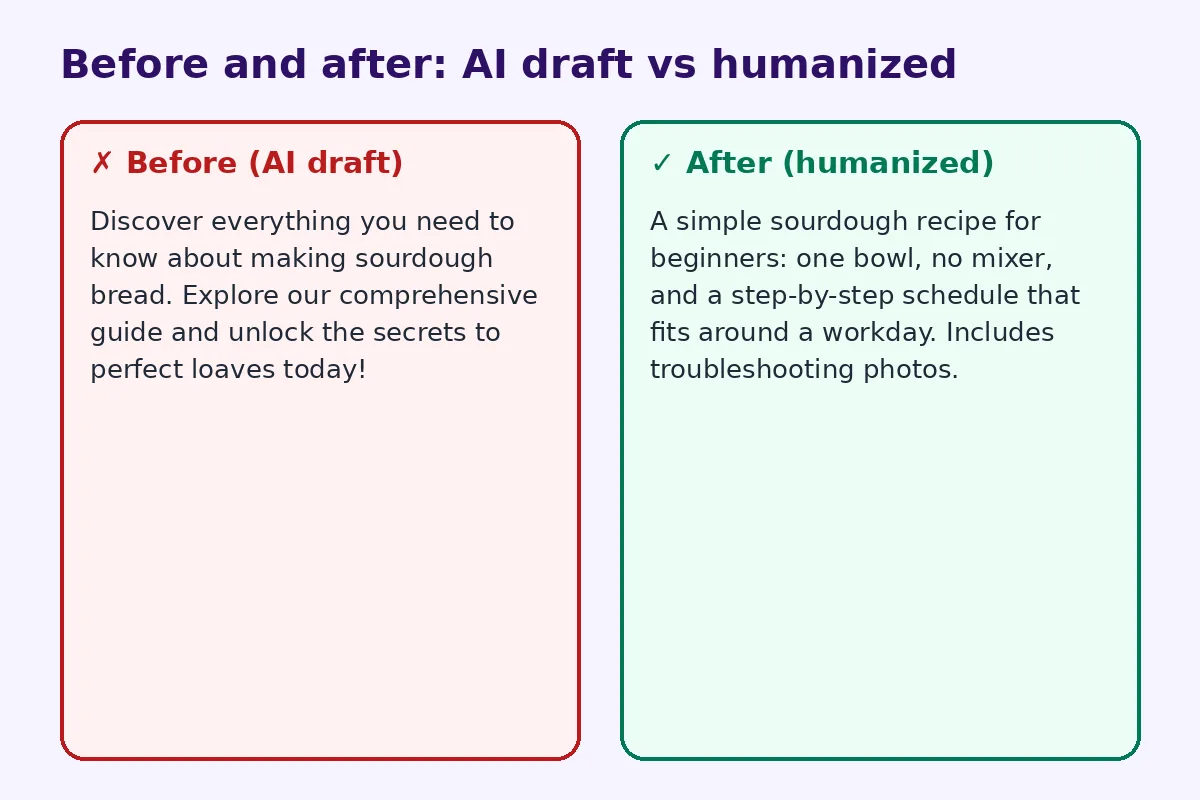
Before and after: real rewrites
Before (AI draft):
Discover everything you need to know about making sourdough bread. Explore our comprehensive guide and unlock the secrets to perfect loaves today!
After (humanized):
A simple sourdough recipe for beginners: one bowl, no mixer, and a step-by-step schedule that fits around a workday. Includes troubleshooting photos.
The second description is specific, tells you who it's for and promises something useful.
Step 1: Know the search intent
Before writing, ask: what does someone searching this keyword want? A definition, a how-to, a product, a comparison, a local service? The description should confirm that the page delivers exactly that.
Step 2: Lead with the main benefit
Put the most useful information first, because mobile results show less text. "Free QR code generator, no sign-up" says what it is immediately. "Discover our amazing tool..." wastes the first words.
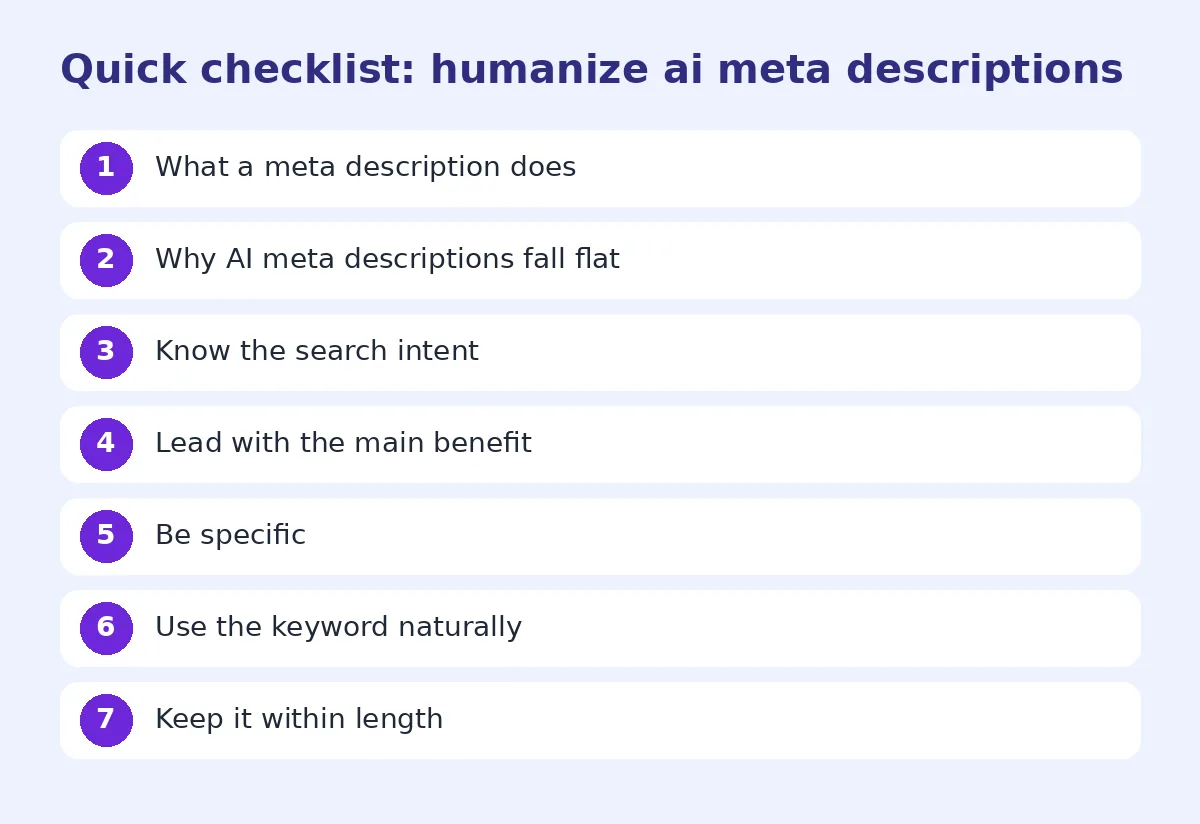
Step 3: Be specific
Add something concrete:
- A number: "7 steps", "under 10 minutes", "2026 prices"
- A detail: "with photos", "includes templates", "for beginners"
- A differentiator: "no sign-up", "free", "updated monthly"
Specific descriptions stand out from generic ones.
Step 4: Use the keyword naturally
Include your main keyword once, where it fits naturally. Google bolds words that match the search, which helps the description catch the eye. Don't repeat it awkwardly.
Step 5: Keep it within length
Aim for about 120 to 155 characters. Longer descriptions are often cut off. Make sure the most important part is in the first 120 characters.
Step 6: Write like a person
Read it out loud. Would you say this to a friend asking what the page is about? If it sounds like an ad, simplify it. Avoid exclamation marks and hype.
Step 7: Make every description unique
Each page needs its own description. Duplicate descriptions across many pages confuse search engines and searchers. If you have hundreds of product pages, use a template with unique details for each: product name, key feature, price or size.
Examples by page type
Blog post (how-to): "How to repot a snake plant without damaging the roots. Step-by-step photos, the right soil mix and when to do it."
Product page: "Hand-thrown 350 ml stoneware mug with a matte blue glaze. Dishwasher safe. Ships in 2 days."
Local business: "Family-run dental clinic in Gulberg, Lahore. Evening appointments, same-day emergency care and transparent prices."
Tool page: "Free AI humanizer that rewrites robotic text into natural English. No sign-up, works on essays, emails and blog posts."
Comparison: "QuillBot vs Grammarly in 2026: price, rewriting quality and which one is better for students. Tested on 10 essays."
Using AI to write meta descriptions well
AI is useful for drafting many descriptions quickly. Give it better input:
"Write a meta description under 150 characters for a page about [topic]. Audience: [who]. Main benefit: [benefit]. Include [keyword] once. No words like discover, explore, unlock, ultimate."
Then edit each one. For large sites, an AI humanizer or our humanizer for bloggers can quickly remove repeated robotic phrasing across many descriptions.
Do meta descriptions affect rankings?
Not directly. But they affect click-through rate, and better titles and descriptions bring more visitors from the same ranking. For more on how Google treats AI writing in general, see does Google penalize AI content.
Testing and improving
Check Google Search Console for pages with many impressions but a low click-through rate. Those are good candidates for a rewritten description. Change one page at a time, wait a few weeks and compare. Over time, you'll learn which styles work best for your audience.
Write the title and description together
The title and the meta description appear together in search results, so write them as a pair. If the title already says "Free QR Code Generator", the description doesn't need to repeat it. Use the description to add what the title couldn't fit: who it's for, what makes it different, or a specific detail like "no sign-up" or "download as SVG". Reading the two lines together, as a searcher would, quickly shows whether they work as a team or just repeat each other. Our guide on how to make ChatGPT sound human has more tips for short copy like this.
Meta descriptions for different languages and markets
If your site serves readers in several countries, write descriptions that fit each market. Use local spelling, currencies and place names, and mention local details when they matter, such as "delivery across Pakistan" or "prices in USD". Don't run an English description through a translation tool and publish it unchanged. Translated AI text often sounds even more robotic than the original. Ask a native speaker to read it, or at least read it aloud yourself, before it goes live.
Descriptions for category and archive pages
Category pages are often forgotten. Blog categories, tag pages and product collections show up in search too, and many sites leave them with a blank or duplicated description. Write a short summary of what the collection contains and who it helps, such as "Beginner-friendly houseplant guides: watering, repotting and light tips for 40+ common plants." It takes a few minutes per page and can bring steady extra clicks.
Common mistakes
- Starting every description with "Discover".
- Writing descriptions that don't match the page.
- Duplicating descriptions across pages.
- Keyword stuffing.
- Leaving descriptions blank on important pages.
A quick checklist
- Under 155 characters
- Main benefit first
- One specific detail
- Keyword included naturally
- Unique to the page
- Sounds like a person
FAQ
Can I use AI to write meta descriptions?
Yes. Give it specific details and edit the result so it's clear, unique and natural.
How long should a meta description be?
About 120 to 155 characters, with the key message in the first 120.
Do meta descriptions affect SEO?
Not directly for rankings, but they strongly affect click-through rate.
Does Google use my meta description?
Often, when it matches the search. Google sometimes rewrites it.
What words should I avoid in meta descriptions?
Overused words like "discover", "explore", "unlock" and "ultimate guide".
Try FreeHumanizerAI for free
Humanize AI text instantly. No signup, up to 5,000 words per session, and your text is not stored.
Open AI HumanizerRelated guides
- GuideDoes Google Penalize AI Content? What the Guidelines Actually Say in 2026Google's rule is about helpfulness, not authorship. Here is what the guidelines say, what gets sites hit, and a publishing checklist.Read
- GuideHow to Humanize an AI Blog Intro That Actually Hooks ReadersAI blog intros are generic and lose readers fast. Learn how to humanize your blog intro with a real hook, a clear promise and natural wording.Read
- GuideHow to Edit AI Content to Sound Natural: A Line-by-Line MethodA practical editing checklist for AI drafts, with worked examples. Fifteen minutes per article, no tricks, and the result reads like you wrote it.Read