How to Humanize an AI Newsletter So People Keep Opening It
AI-written newsletters feel generic and drive unsubscribes. Here is how to humanize an AI newsletter with your voice, real stories and simple edits.
A newsletter is one of the few places where people choose to hear from you. They gave you their email address because they liked something about you: your shop, your ideas, your style. When every issue starts reading like a generic AI summary, that connection fades. Open rates drop, and the unsubscribe link starts getting clicks.
AI can still save you hours on a newsletter. It is great at outlines, summaries and first drafts. The trick is to use it for the boring parts and keep the human parts human. This guide shows you how.
Signs your newsletter sounds like AI
Read your last issue and check for these:
- An opener like "Welcome to another exciting edition of our newsletter!"
- Every section the same length, with a bold header and three bullet points.
- Words like "exciting", "thrilled", "elevate", "journey" and "vibrant".
- No names, no places, no dates, no small stories.
- A closing like "Stay tuned for more exciting updates!"
If you tick three or more, readers have probably noticed too. Our guide to words that make text sound like AI lists more of these patterns.
What readers actually want from a newsletter
People stay subscribed for three things:
- Something useful. A tip, a deal, a list of good links, early news.
- Something personal. A glimpse of the person or team behind it.
- Consistency. It arrives when they expect it and sounds the same each time.
AI is good at the first. It cannot do the second, because it does not know what happened in your week. That part is your job.
Step 1: Start with your own notes
Before you open any AI tool, write five quick notes from your week. They can be messy:
- "Customer asked if the blue mug comes in green. It doesn't, yet."
- "We tested the new roast three times. Second batch was best."
- "Market on Saturday was rained out but 20 people still came."
These notes are the gold. AI can help you shape them into sentences, but it can't invent them.
Step 2: Let AI do the structure
Now give the AI your notes and the facts (new products, dates, links) and ask for a draft. A good prompt:
"Write a short, friendly newsletter for a small coffee shop. Use these notes. Plain language, short paragraphs, no buzzwords, under 400 words. Start with the market story."
You will get a decent structure back. It will still need editing.
Step 3: Rewrite the opening yourself
The first two lines decide whether people keep reading. Delete the AI greeting and write one or two sentences in your own voice. It can be as simple as:
"Saturday's market was a washout. Twenty of you came anyway, and one person brought us umbrellas. Thank you."
That sounds like a person. Nobody will mistake it for a template.
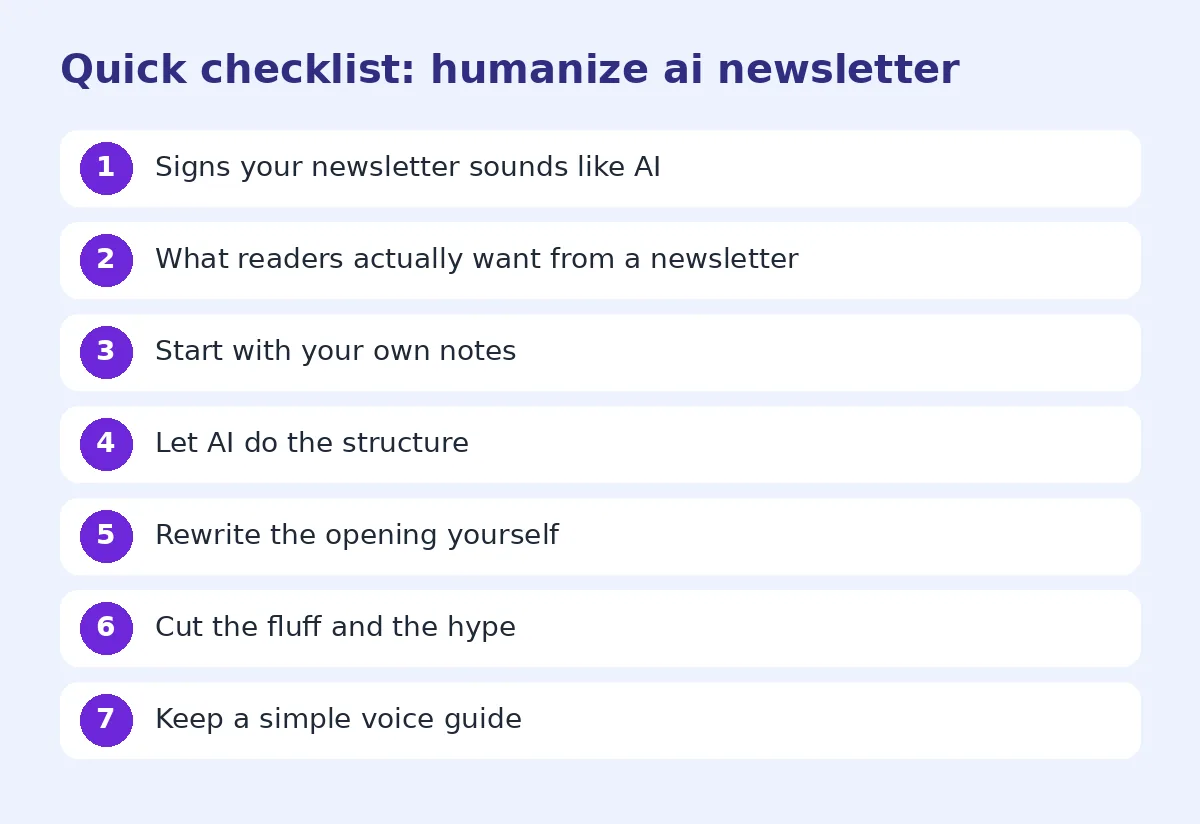
Step 4: Cut the fluff and the hype
Go through the draft and:
- Delete "exciting", "thrilled", "amazing" unless something truly is.
- Replace "We're delighted to announce" with "New this week:".
- Shorten long sentences.
- Remove the closing summary paragraph.
If the draft is long, run it through our free humanize AI text tool to smooth out stiff phrasing, then read it once more yourself.
Before and after example
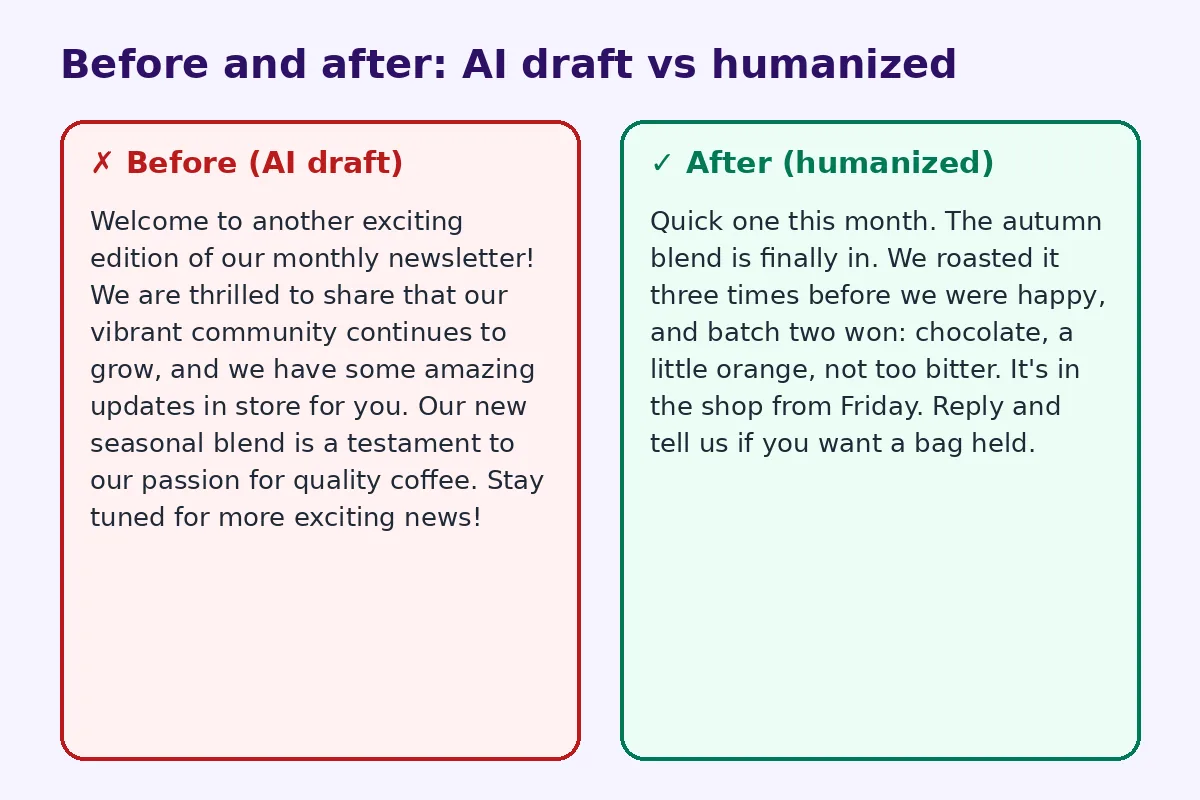
Before (AI draft):
Welcome to another exciting edition of our monthly newsletter! We are thrilled to share that our vibrant community continues to grow, and we have some amazing updates in store for you. Our new seasonal blend is a testament to our passion for quality coffee. Stay tuned for more exciting news!
After (humanized):
Quick one this month. The autumn blend is finally in. We roasted it three times before we were happy, and batch two won: chocolate, a little orange, not too bitter. It's in the shop from Friday. Reply and tell us if you want a bag held.
The second one has a real detail, a date, a flavor and an easy action. It also sounds like the person who runs the shop.
Step 5: Keep a simple voice guide
If several people write the newsletter, or you use AI every month, a short voice guide keeps it consistent. Write down:
- three words that describe your tone (for example: warm, direct, a bit funny)
- words you never use
- how you sign off
- one example paragraph you like
Paste that guide into your AI prompt every time. It helps more than any setting.
Grow the list offline too
A good newsletter deserves more readers. If you have a shop, stall or events, a QR code that opens your signup form is an easy win. qrfyy has a full guide on using a QR code for newsletter signup, with placement ideas for counters, receipts and parcels.
Use AI for the parts it does well
There are newsletter jobs where AI really shines, and you should let it take them:
- Summarizing links. Paste three articles you liked and ask for a two-line summary of each. Then add one sentence on why you picked it.
- Formatting event lists. Dates, times and places in a clean list.
- Rewording a product description you already wrote for the website, so the newsletter version is shorter.
- Brainstorming subject lines. Ask for ten, pick one, and simplify it.
Keep the story, the opinions and the thank-yous for yourself. That split saves time without losing the voice that made people subscribe.
Subject lines that sound human
AI subject lines tend to be long and full of emoji. Simple ones usually work better:
- "The autumn blend is in"
- "We got rained out (and you still came)"
- "3 things worth reading this week"
Keep them short, specific and honest. If the email is mostly a sale, say so.
How often to send
Pick a rhythm you can keep: weekly, every two weeks or monthly. AI makes it tempting to send more, but more is only better if each issue is worth reading. One good monthly email beats four generic weekly ones.
Final check before you send
- Does the opener sound like you?
- Is there at least one real story or detail?
- Did you remove hype words?
- Is there one clear action?
- Would you enjoy getting this email?
For more editing ideas, see how to make ChatGPT sound human. If you also write blog posts, the AI humanizer for bloggers is built for longer content.
FAQ
Can I use AI to write my whole newsletter?
You can, but readers will likely notice. Use AI for structure and summaries, and write the opening and stories yourself.
Will subscribers know my newsletter was written with AI?
Many will, especially if it uses common AI phrases and has no personal details. Editing for voice and adding real stories makes a big difference.
How long should a newsletter be?
For most small businesses, 200 to 500 words is plenty. Make it easy to read in under two minutes.
Does an AI-sounding newsletter hurt deliverability?
Tone alone does not decide inbox placement, but low engagement does. If people stop opening, email providers may start filtering your messages.
What is the best tool to humanize a newsletter?
Start with your own edits. A free humanizer can help with stiff phrasing, but personal details always have to come from you.
Try FreeHumanizerAI for free
Humanize AI text instantly. No signup, up to 5,000 words per session, and your text is not stored.
Open AI HumanizerRelated guides
- GuideHow to Edit AI Content to Sound Natural: A Line-by-Line MethodA practical editing checklist for AI drafts, with worked examples. Fifteen minutes per article, no tricks, and the result reads like you wrote it.Read
- GuideDoes Google Penalize AI Content? What the Guidelines Actually Say in 2026Google's rule is about helpfulness, not authorship. Here is what the guidelines say, what gets sites hit, and a publishing checklist.Read
- GuideHow to Humanize AI LinkedIn Posts (So People Actually Engage)AI LinkedIn posts all sound the same. Learn how to humanize them: fix the hook, cut the clichés, add real stories, and format for the feed.Read