How to Humanize AI Email Replies So You Still Sound Like You
AI email replies sound robotic and over-polite. Learn how to humanize AI email replies so they're short, clear and natural, with examples.
AI email assistants are now built into many inboxes. Click a button and a reply appears: "Thank you so much for reaching out! I hope this email finds you well. I wanted to take a moment to address your inquiry regarding..." It's polite, but it doesn't sound like anyone you know. When your colleagues and clients start getting replies like that from you, they notice. Emails that used to feel personal start to feel automated.
AI can save real time on email. The trick is to use it for speed while keeping your voice. This guide shows how to turn AI email replies into short, natural messages that still sound like you wrote them.
Why AI email replies sound robotic
AI-drafted replies usually share these traits:
- Long openers. "I hope this email finds you well" and "Thank you for reaching out".
- Over-politeness. "I would be more than happy to assist you with this matter."
- Repeating the question. "Regarding your inquiry about the meeting time..."
- Formal vocabulary. "Kindly", "furthermore", "please do not hesitate to contact me".
- Too long. Five sentences when one would do.
- Same tone with everyone. Your manager, your client and your friend get the same style.
Our list of words that make text sound like AI covers many of these phrases.
What a good reply looks like
Most good email replies are:
- Short. Often one to four sentences.
- Direct. The answer comes first.
- Clear about next steps. Who does what, by when.
- Matched in tone. Casual for casual emails, formal for formal ones.
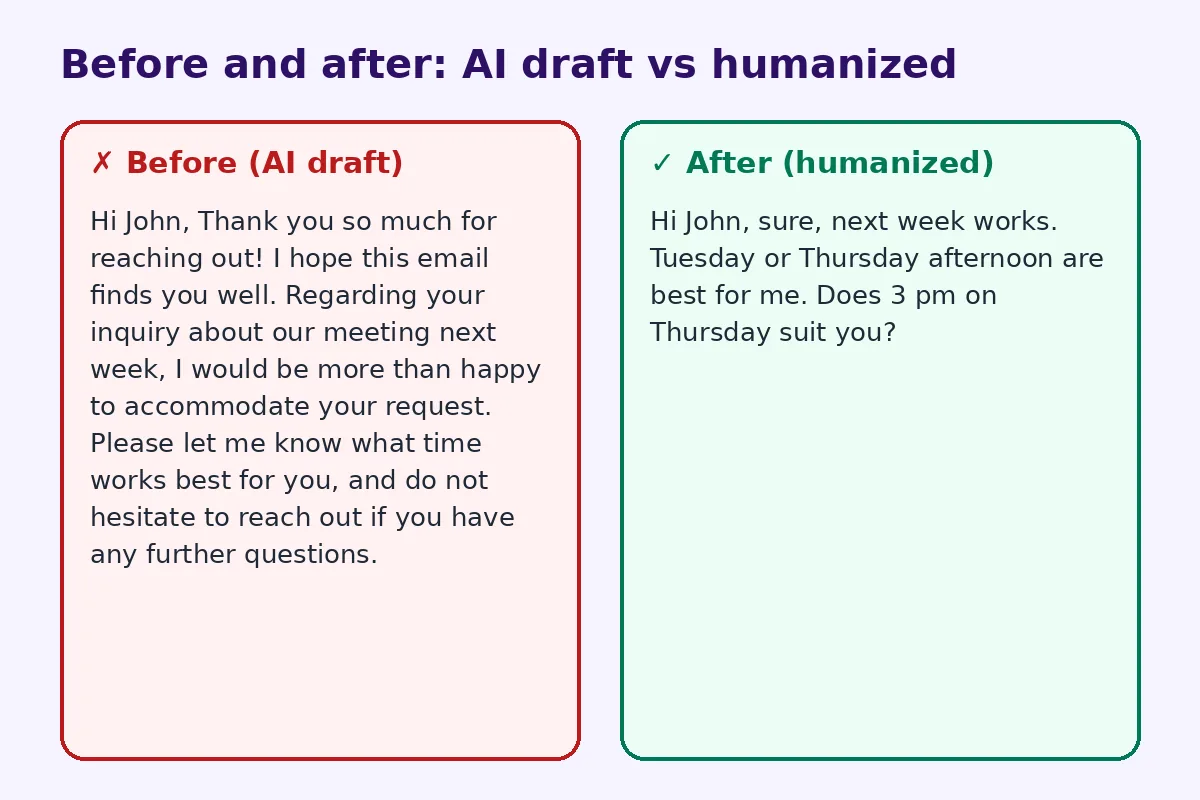
Before and after: a real rewrite
Before (AI draft):
Hi John, Thank you so much for reaching out! I hope this email finds you well. Regarding your inquiry about our meeting next week, I would be more than happy to accommodate your request. Please let me know what time works best for you, and do not hesitate to reach out if you have any further questions.
After (humanized):
Hi John, sure, next week works. Tuesday or Thursday afternoon are best for me. Does 3 pm on Thursday suit you?
The second reply is four times shorter, answers the question and moves the conversation forward.
Step 1: Delete the opener
Most AI replies start with filler. Delete "I hope this email finds you well" and "Thank you for reaching out" unless the situation really calls for them, such as a first contact from a customer. Start with the answer.
Step 2: Answer first
Put the most important information in the first line: yes, no, the date, the number, the decision. Explanations can follow if needed.
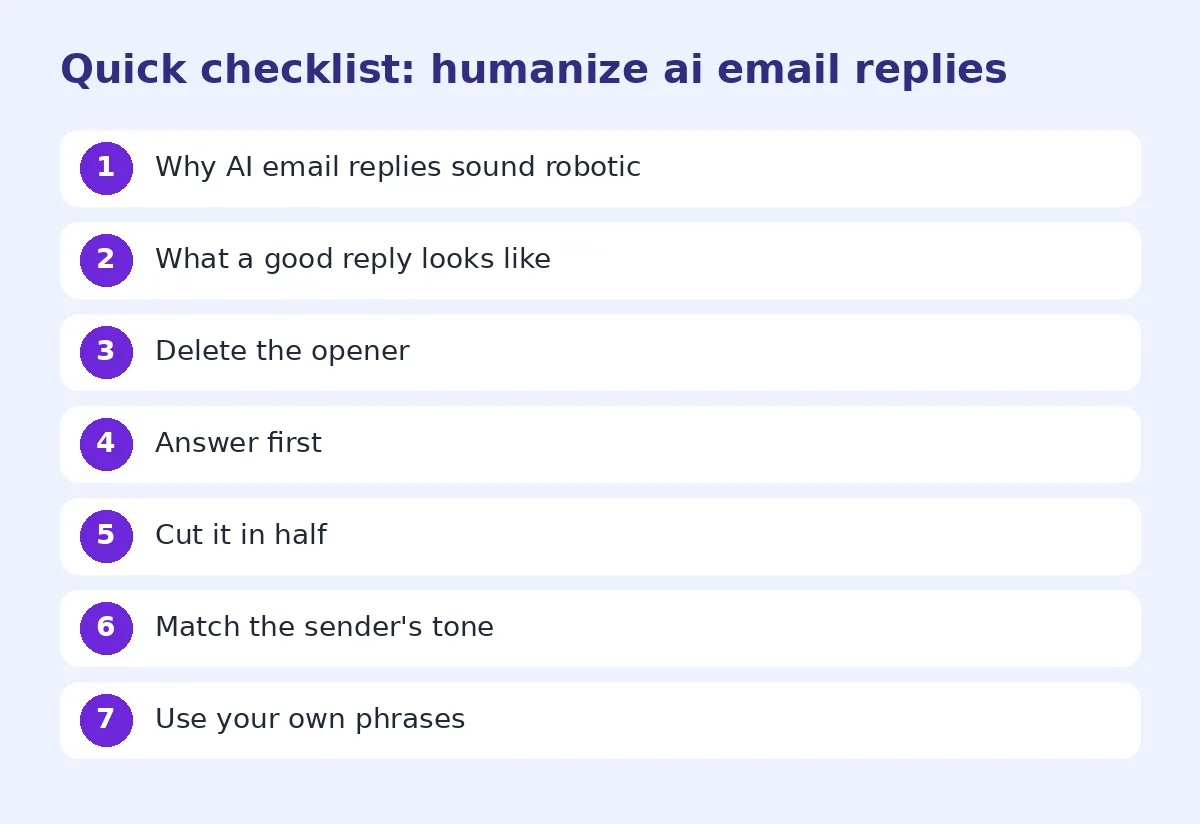
Step 3: Cut it in half
Read the AI reply and remove anything that doesn't add information. Most replies can lose half their words without losing meaning.
Step 4: Match the sender's tone
If the email you received was two casual lines, reply in two casual lines. If it was a formal request from a new client, a slightly more formal reply is fine. AI defaults to one tone, so adjust it.
Step 5: Use your own phrases
Everyone has habits: "Sounds good", "Thanks!", "Cheers", "Let me check and get back to you". Use yours. People recognize your voice through these small phrases.
Step 6: Make next steps clear
End with what happens next: "I'll send the file by Friday" or "Can you confirm by Monday?" Avoid "Let me know if you have any questions" at the end of every email. It's filler.
Templates you can adapt
Accepting a meeting: "Thursday at 3 works. I'll send an invite."
Declining politely: "Thanks for thinking of me. I can't take this on right now, but I'd be happy to help next quarter."
Asking for more time: "I need a couple more days on this. Can I send it Wednesday?"
Following up: "Just checking in on the proposal I sent last week. Any questions so far?"
Customer support: "Hi Maria, sorry about the delay. Your refund was processed today and should appear in 3 to 5 days."
Thanking someone: "Thanks, this is exactly what I needed."
Using AI well for email
AI is useful for:
- Summarizing long email threads before you reply
- Drafting replies to complicated questions
- Translating messages
- Checking tone when you're upset
Give it short instructions: "Draft a two-sentence reply saying yes to Thursday at 3 pm. Casual tone. No 'hope this finds you well'." Then edit the draft quickly before sending.
For teams and support inboxes
If you handle many emails a day, an AI humanizer can strip robotic wording from template responses so customers get replies that feel less scripted. Our guide on how to make ChatGPT sound human also has tips that work for email. Always add the specific details of each case yourself.
When to write it yourself
Some emails should be written by you from the start:
- Apologies, condolences and personal news
- Feedback to a colleague
- Sensitive negotiations
- Anything where trust matters more than speed
For apologies specifically, see our guide on how to humanize an AI apology email.
Build a few personal templates
If you answer the same kinds of emails every week, save five or six short replies in your own words: confirming a meeting, sending a file, asking for more time, saying no politely. Keep them in a notes app or your email tool's templates. When a similar email arrives, start from your template instead of an AI draft. You'll save as much time as with AI, and every reply will sound like you, because it is you. Update the templates every few months so they don't get stale.
Replying on your phone
Many replies are written on a phone between meetings, which is where AI suggestions are most tempting. Short replies are fine on mobile, but check the suggestion before tapping send. Phone keyboards often offer three quick replies, and they can sound abrupt or miss the point. Add one word of your own, such as the person's name or a specific day, and the reply instantly feels more personal. If the email needs a longer answer, send a quick "Got it, I'll reply properly this afternoon" and write the full reply later.
Common mistakes
- Sending AI replies without reading them.
- Replies that are longer than the original email.
- Formal replies to casual messages.
- Ending every email with "Please do not hesitate to contact me".
- Missing the actual answer to the question.
A quick checklist before sending
- Is the answer in the first line?
- Is it as short as it can be?
- Does it match the sender's tone?
- Does it sound like me?
- Is the next step clear?
FAQ
Is it okay to use AI for email replies?
Yes, for speed. Edit replies so they are short, direct and in your voice.
How do I make AI emails sound less robotic?
Delete filler openers, answer first, cut length and use your own phrases.
Should I start emails with "I hope this email finds you well"?
Usually not. It's often seen as filler, especially in replies.
How long should an email reply be?
Most replies work in one to four sentences.
When should I avoid AI for emails?
For apologies, condolences, sensitive feedback and anything very personal.
Try FreeHumanizerAI for free
Humanize AI text instantly. No signup, up to 5,000 words per session, and your text is not stored.
Open AI HumanizerRelated guides
- GuideHow to Humanize an AI Cold Email So People Actually ReplyAI cold emails all sound the same. How to humanize an AI cold email with real details, a short ask and a natural tone, with examples.Read
- GuideHow to Humanize an AI Apology Email So It Actually Sounds SorryAI apology emails sound cold and scripted. Learn how to humanize an AI apology email so it sounds sincere, takes responsibility and fixes the problem.Read
- GuideHow to Edit AI Content to Sound Natural: A Line-by-Line MethodA practical editing checklist for AI drafts, with worked examples. Fifteen minutes per article, no tricks, and the result reads like you wrote it.Read