How to Humanize AI Flyer Text So People Actually Read It
AI flyer text is wordy and generic. Learn how to humanize AI flyer copy with a clear headline, real details and a simple call to action. Examples inside.
A flyer has about three seconds to work. Someone walks past a notice board, glances at a lamppost or picks up a leaflet from a café counter. If the headline doesn't grab them, they move on. AI tools can write flyer text instantly, but the results often look like this: "Unlock Your Potential! Join Us for an Unforgettable Experience That Will Transform Your Life!" It's loud, vague and easy to ignore.
Good flyer text is short, specific and clear about what to do next. This guide shows you how to take an AI draft and turn it into flyer copy that sounds human and gets results, for events, small businesses, classes, community groups and services.
Why AI flyer text doesn't work
AI flyer drafts have predictable problems:
- Vague hype. "Unforgettable", "transform", "unlock your potential", "don't miss out".
- Too many words. Paragraphs where a flyer needs a few lines.
- Weak headlines. Clever phrasing instead of saying what it is.
- Missing details. No date, time, price or address, or they're buried.
- Too many exclamation marks. Everything is exciting, so nothing is.
- No clear action. "Learn more" without saying how.
For a longer list of phrases to avoid, see words that make text sound like AI.
What every flyer needs
Most effective flyers have just five parts:
- Headline: what it is, in a few words.
- The main benefit or hook: why the reader should care.
- Key details: date, time, place, price.
- Call to action: exactly what to do next.
- Contact: phone, website or QR code.
That's it. Everything else is optional.
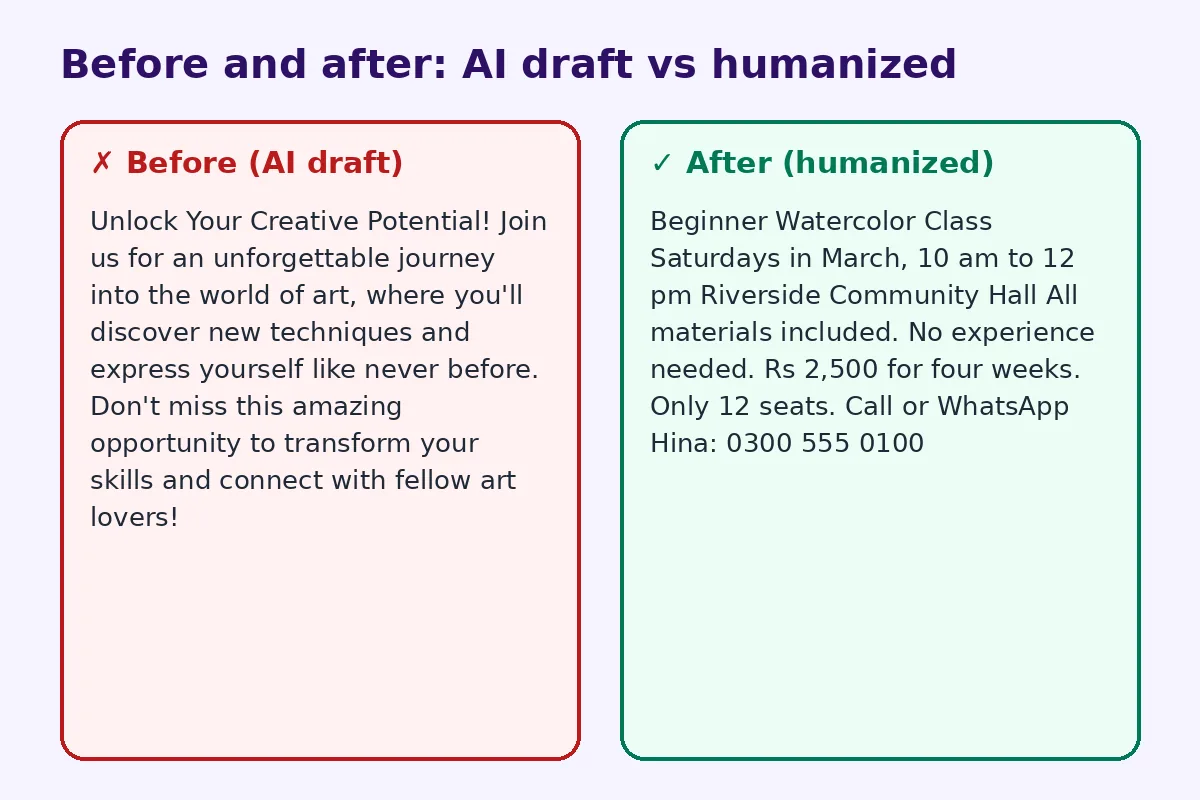
Before and after: a real rewrite
Before (AI draft):
Unlock Your Creative Potential! Join us for an unforgettable journey into the world of art, where you'll discover new techniques and express yourself like never before. Don't miss this amazing opportunity to transform your skills and connect with fellow art lovers!
After (humanized):
Beginner Watercolor Class
Saturdays in March, 10 am to 12 pm
Riverside Community Hall
All materials included. No experience needed. Rs 2,500 for four weeks.
Only 12 seats. Call or WhatsApp Hina: 0300 555 0100
The humanized version tells you exactly what, when, where, how much and how to book. It's less "exciting" on paper, but much more likely to fill the class.
Step 1: Start with the facts
Before asking AI for flyer text, write down:
- What it is (event, sale, service, class)
- Who it's for
- Date, time and place
- Price or "free"
- What makes it worth it, in one sentence
- How to sign up, buy or contact you
Then prompt: "Write flyer text under 50 words using only these facts. Clear headline. No hype words. One call to action."
Step 2: Make the headline say what it is
Clever headlines are hard to pull off. Clear headlines work every time:
- "Free Yoga in the Park"
- "Plumber: Same-Day Repairs"
- "Garage Sale This Saturday"
- "Math Tutoring for Grades 6 to 10"
If you want a little personality, add it in the second line, not the headline.
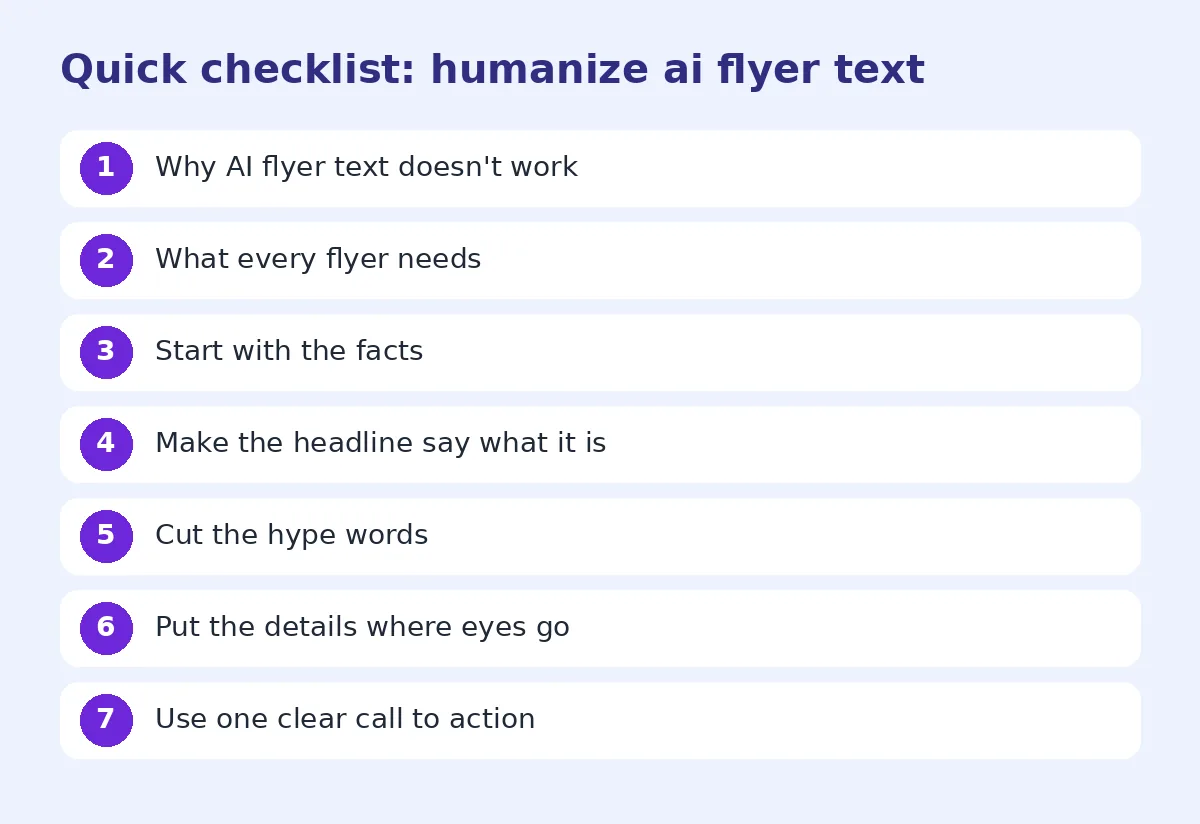
Step 3: Cut the hype words
Delete "unforgettable", "amazing", "transform", "unlock", "journey" and "don't miss out" unless they're truly needed. Replace them with a concrete detail: "No experience needed", "Materials included", "Kids under 5 free".
Step 4: Put the details where eyes go
Readers look at the headline, then scan for date, place and price. Make those easy to find: larger text, bold or on their own lines. Don't hide them in a sentence.
Step 5: Use one clear call to action
Pick one: call, WhatsApp, scan, visit, register. "Scan to book your seat" is better than "Visit our website, follow us on social media or give us a call for more information."
Step 6: Read it from a distance
Print a draft or view it at small size on screen. Can you read the headline from two meters? Can you find the date in two seconds? If not, cut more words.
Flyer text ideas by type
Event: "Family Fun Day. Sunday 12 May, 11 am to 4 pm, Central Park. Free entry. Food stalls, games and live music."
Business: "Fresh Bread Every Morning. Baked on site from 6 am. 10% off your first order with this flyer."
Service: "Reliable House Cleaning. Fully insured. Book a 2-hour clean from Rs 3,000. WhatsApp to book."
Class: "Learn to Swim. Adult beginners, small groups, certified coach. Tuesdays 7 pm."
Community: "Lost Cat: Grey Tabby, Answers to Milo. Last seen near Park Road. Please call 0300 555 0100."
Add a QR code to your flyer
A QR code lets readers act on the spot: book a seat, see the menu, get directions, or save your number. It also lets you put more details online without crowding the flyer. If you're adding one, our sister site has a practical guide to QR codes for flyers and posters, covering size, placement and what to link to. Place the code next to your call to action, with a short label like "Scan to book".
Using a humanizer for flyer copy
If you make flyers often, an AI humanizer can quickly strip robotic wording from drafts. For businesses, our marketing copy humanizer works for flyers, posters, banners and social posts. Always check dates, prices and phone numbers after any rewrite.
Design tips that support the text
- Use one or two fonts at most.
- Keep plenty of white space.
- Use one strong image, not five small ones.
- High contrast between text and background.
- Keep the most important details in the top half.
Write for the place it will hang
Where your flyer goes changes how it should read. A flyer on a busy café notice board competes with twenty others, so the headline must be big and simple. A leaflet handed out at a market can carry a little more detail, because people hold it in their hands. A poster on a lamppost is read from a distance while walking, so it needs very few words. Before you finalize the text, picture the exact spot and ask: what will someone see in the first two seconds?
Check the flyer with a stranger
Show your draft to someone who knows nothing about it and give them five seconds. Then ask what it is, when it is and how to respond. If they can't answer all three, simplify the text again.
Common mistakes
- Too much text.
- No date or price.
- Headline that doesn't say what it is.
- Multiple calls to action.
- Phone number or address with a typo.
- Small, hard-to-read fonts.
FAQ
Can I use AI to write flyer text?
Yes, as a starting point. Then cut hype words, add real details and keep one clear call to action.
How many words should a flyer have?
Often 20 to 60 words for the main text. Less is usually better.
What should a flyer headline say?
What it is, clearly: "Free Yoga in the Park" or "Garage Sale This Saturday".
Should I put a QR code on my flyer?
Yes, if you want people to book, buy or find more details. Place it near the call to action.
What words should I avoid on a flyer?
Avoid hype like "unforgettable", "transform", "unlock" and "don't miss out" unless backed by real details.
Try FreeHumanizerAI for free
Humanize AI text instantly. No signup, up to 5,000 words per session, and your text is not stored.
Open AI HumanizerRelated guides
- GuideHow to Make AI Event Invitations Sound HumanWrote an invitation or event flyer with ChatGPT? Make the wording warm and natural for parties, launches and community events, with examples.Read
- GuideHow to Humanize AI Product Descriptions So They Actually SellAI product descriptions sound generic and hurt sales. Learn how to humanize them with real details, buyer language and a clear voice, with examples.Read
- GuideHow to Edit AI Content to Sound Natural: A Line-by-Line MethodA practical editing checklist for AI drafts, with worked examples. Fifteen minutes per article, no tricks, and the result reads like you wrote it.Read