
How to Humanize AI Report Card Comments So Parents Feel Seen
AI report card comments sound copy-paste to parents. Learn how to humanize AI teacher comments with specific examples, clear next steps and a kind voice.
Report card season means writing dozens or even hundreds of comments in a few evenings. It's no surprise that many teachers now use AI to help. The problem is that AI comments often sound like this: "Sarah is a valuable member of our classroom community who consistently demonstrates a positive attitude. She is encouraged to continue her hard work." Parents read the comments for every child in a family, swap notes with other parents, and quickly notice when the wording is generic or identical.
AI can still save you hours. The key is to give it real observations and then edit the result so each comment sounds like you and clearly describes that specific child. This guide shows how.
Why AI report comments feel copy-paste
AI-generated teacher comments tend to:
- Use stock phrases. "Valuable member of our classroom community", "a pleasure to have in class".
- Avoid specifics. No mention of a project, skill or moment.
- Hedge everything. "Is encouraged to continue to strive to..."
- Repeat across students. The same sentence structure for every child.
- Miss the next step. Parents don't know how to help at home.
Our list of words that make text sound like AI includes many of the phrases that creep into school reports.
The structure of a strong comment
A clear, kind comment usually has three parts:
- A specific strength. Something the student did well this term, with an example.
- One area to grow. Clear and honest, without harsh labels.
- A next step. What the student will work on and how parents can help.
Three to five sentences is often enough.
Before and after: real rewrites
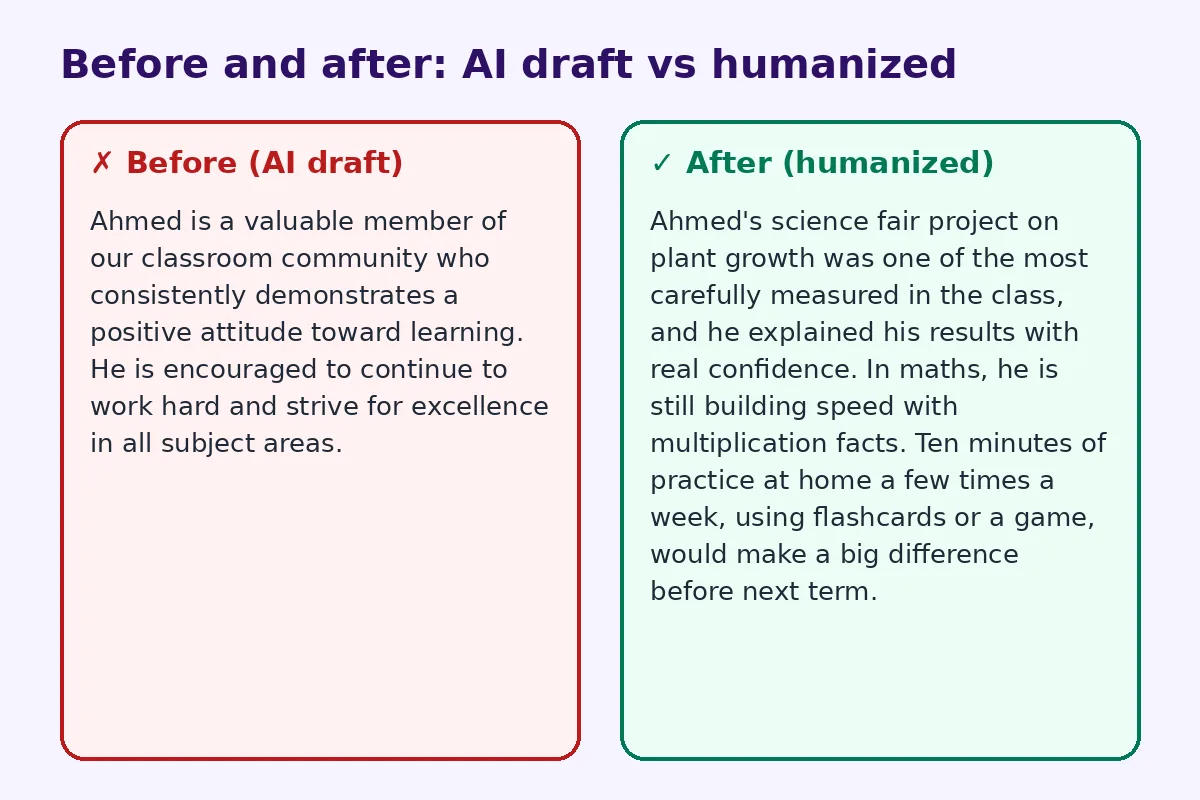
Before (AI draft):
Ahmed is a valuable member of our classroom community who consistently demonstrates a positive attitude toward learning. He is encouraged to continue to work hard and strive for excellence in all subject areas.
After (humanized):
Ahmed's science fair project on plant growth was one of the most carefully measured in the class, and he explained his results with real confidence. In maths, he is still building speed with multiplication facts. Ten minutes of practice at home a few times a week, using flashcards or a game, would make a big difference before next term.
The humanized comment shows the teacher knows Ahmed, gives a real example and offers a clear next step.
Step 1: Keep quick notes during the term
The best comments come from real observations. Keep a simple list for each student: a project they enjoyed, a moment they helped a classmate, a skill they improved, something they find hard. Even two or three notes per child make report writing much easier.
Step 2: Give AI the real details
If you use AI, don't ask for "a comment for a good student." Instead, give it your notes:
"Write a 3-sentence report card comment for a Year 4 student. Strength: careful measurements in science fair project on plant growth, explained results confidently. Growth area: speed with multiplication facts. Next step: 10 minutes of practice at home a few times a week. Warm, plain language, no clichés."
Then edit what comes back.
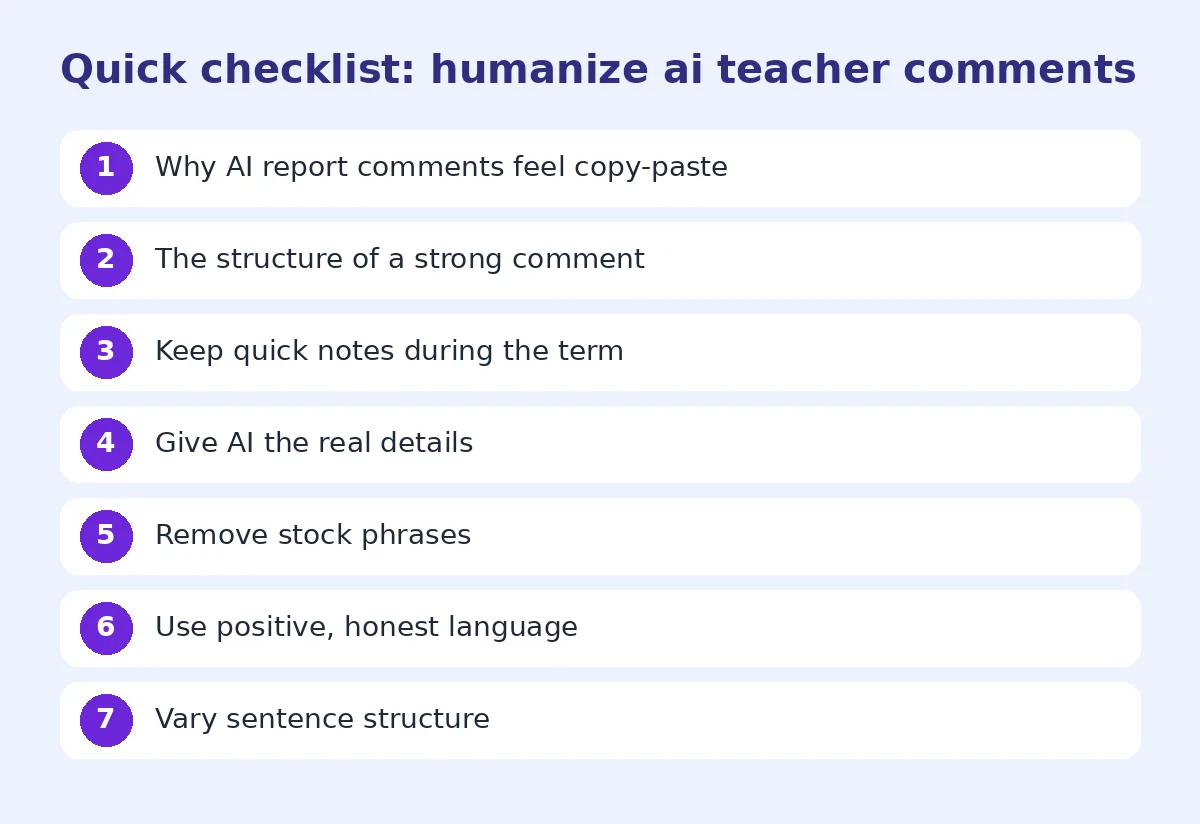
Step 3: Remove stock phrases
Cut "valuable member of our classroom community", "a pleasure to have in class", "is encouraged to" and "strive for excellence". Replace them with what the child actually did.
Step 4: Use positive, honest language
Parents need honesty, but kindly framed. Instead of "Ali is disruptive", try "Ali has lots of ideas to share, and we are working on waiting for his turn to speak." Instead of "struggles with reading", try "is building confidence with longer reading texts."
Step 5: Vary sentence structure
If every comment starts "[Name] is a...", parents will notice. Start some comments with the strength, some with a project, some with a skill. Change the order and length.
Step 6: Check names, pronouns and facts
A common AI mistake is mixing up names or pronouns between comments, or inventing a detail. Read each comment carefully, and never let AI create examples you didn't observe.
Comment examples by situation
A strong student: "Fatima's book review on *Charlotte's Web* was thoughtful and well organized. She's ready for more challenging books, and I'd suggest trying a chapter book series over the holidays."
A student who needs support: "Bilal has worked hard this term and now reads short texts with growing confidence. His next step is to retell a story in his own words. Asking him what happened in his bedtime story would really help."
A quiet student: "Zara's written work shows careful thinking, especially her poem about rain. I'd love to hear more of her ideas in class discussions, and we're practicing sharing in small groups first."
A student with behavior goals: "Omar is a kind friend and always helps classmates tidy up. We are working on staying focused during independent tasks, and he has started using a timer to help."
Share more than a report card
Many schools now go beyond the printed report. Teachers share digital portfolios, class newsletters, reading lists or short video messages with parents. A simple way to do this is a QR code printed on the report card or a class newsletter that opens the student's portfolio or a class resource page. Our sister site has a guide to QR codes for teachers and the classroom with practical ideas for sharing work with families.
Using AI and humanizers responsibly
Check your school's policy on AI, and never paste in sensitive information such as medical details, family circumstances or full names if your school doesn't allow it. Use initials or general descriptions instead. An AI humanizer can make wording sound less mechanical, but you remain responsible for every comment. For more on natural editing, see how to edit AI content to sound natural.
Save time without losing the personal touch
- Write notes during the term, not just at report time.
- Group students by similar next steps, then personalize each comment with a specific example.
- Write in batches of five to ten, so your tone stays consistent.
- Read a few comments aloud to check they sound like you.
Write comments parents can act on
Parents often read a report and wonder, "So what can we do?" The most helpful comments answer that question with one small, realistic action. Instead of "needs to read more", suggest "read together for ten minutes before bed and ask one question about the story." Instead of "should improve handwriting", suggest "practice writing a shopping list or a short card to a relative." Simple, specific suggestions feel supportive rather than critical, and they make it much more likely that parents will follow through at home.
Common mistakes
- Generic praise with no examples.
- Harsh labels.
- Identical sentences across students.
- No next step for parents.
- Wrong names or pronouns.
- Invented examples.
FAQ
Can teachers use AI to write report card comments?
Many do, as a starting point. Check your school's policy, give AI real observations, and edit each comment carefully.
How long should a report card comment be?
Usually three to five sentences, depending on your school's format.
How do I make report comments sound personal?
Mention a specific project or moment, one area to grow and a clear next step.
How do I write about a struggling student kindly?
Focus on progress and the next step, and avoid labels. Describe the skill, not the child.
Should I share student data with AI tools?
Only if your school allows it. Avoid names and sensitive details where possible.
Try FreeHumanizerAI for free
Humanize AI text instantly. No signup, up to 5,000 words per session, and your text is not stored.
Open AI HumanizerRelated guides
- GuideHow to Humanize AI Discussion Board Posts (and Replies) for ClassMake AI-assisted discussion board posts and replies sound like you. Tips for Canvas, Blackboard and Moodle posts, peer replies, and course AI rules.Read
- GuideHow to Edit AI Content to Sound Natural: A Line-by-Line MethodA practical editing checklist for AI drafts, with worked examples. Fifteen minutes per article, no tricks, and the result reads like you wrote it.Read
- GuideHow to Humanize AI Email Replies So You Still Sound Like YouAI email replies sound robotic and over-polite. Learn how to humanize AI email replies so they're short, clear and natural, with examples.Read